How to Instantly Apply Branded Visual Styles to Your Images with AI
By Andrew Lane
Founder of Design Hacker
The latest update to the Mood Board Method Course adds something I’m really excited about... the "Style Transfer Prompt Library."
See how it works 👇
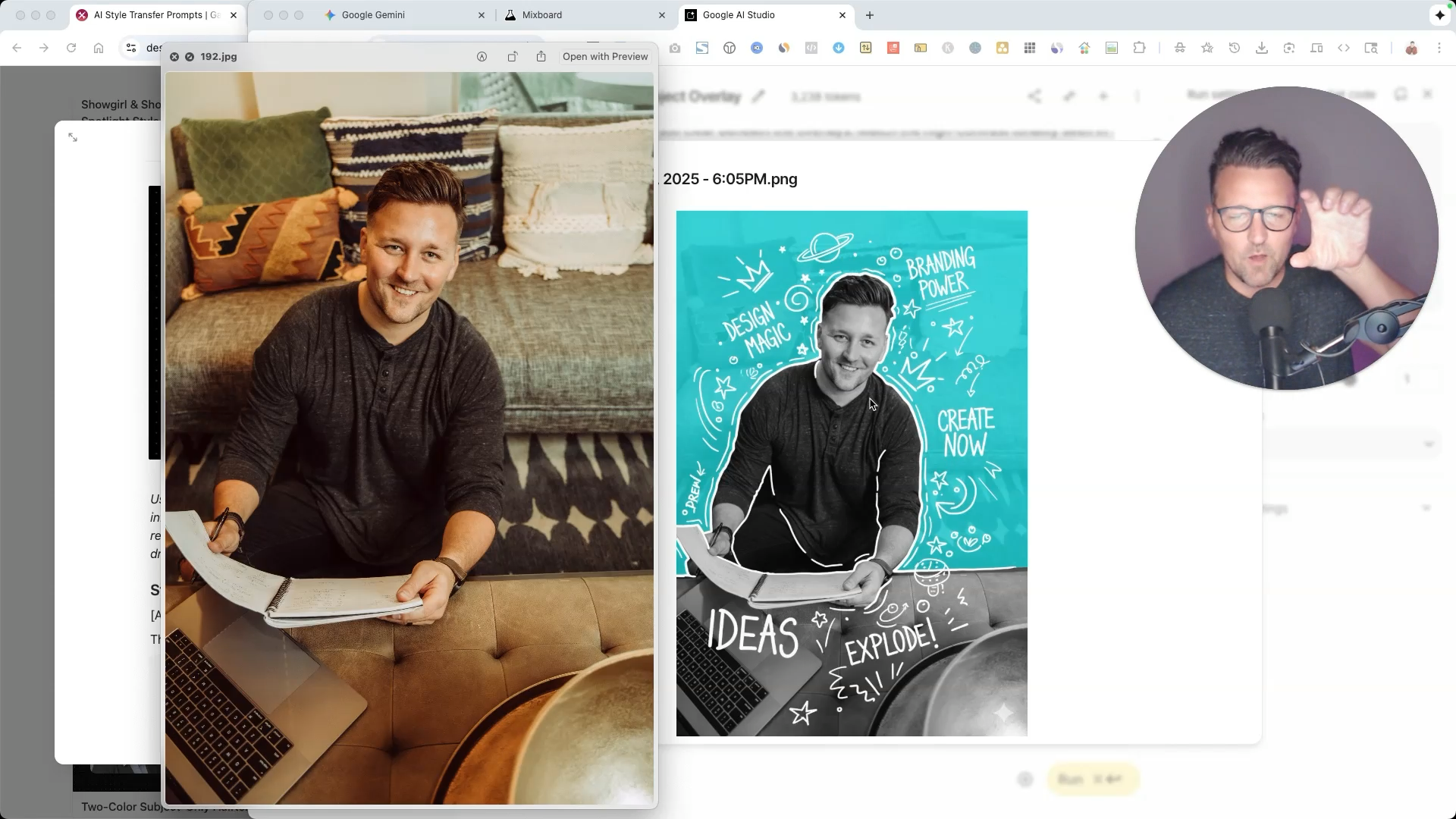
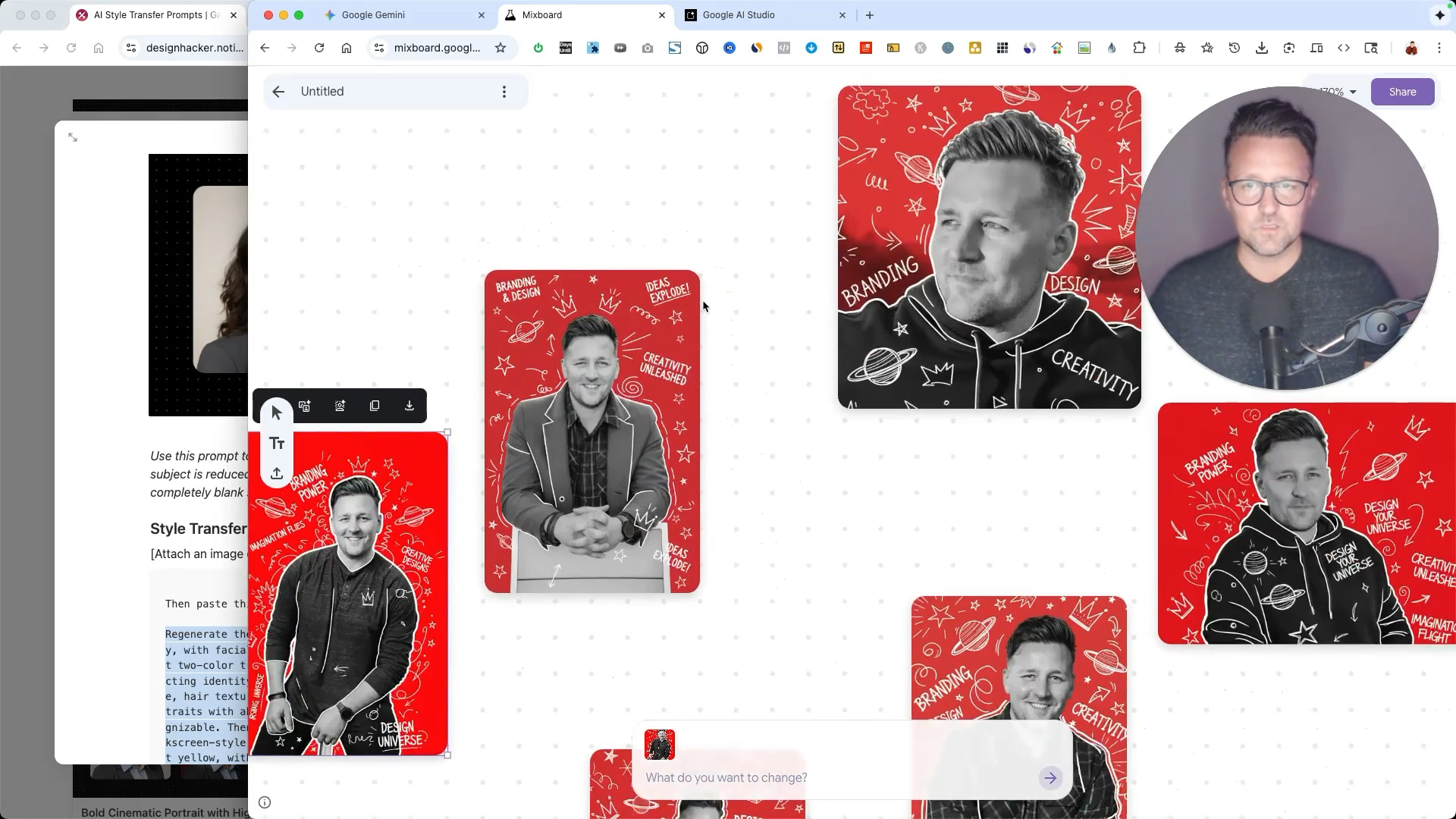
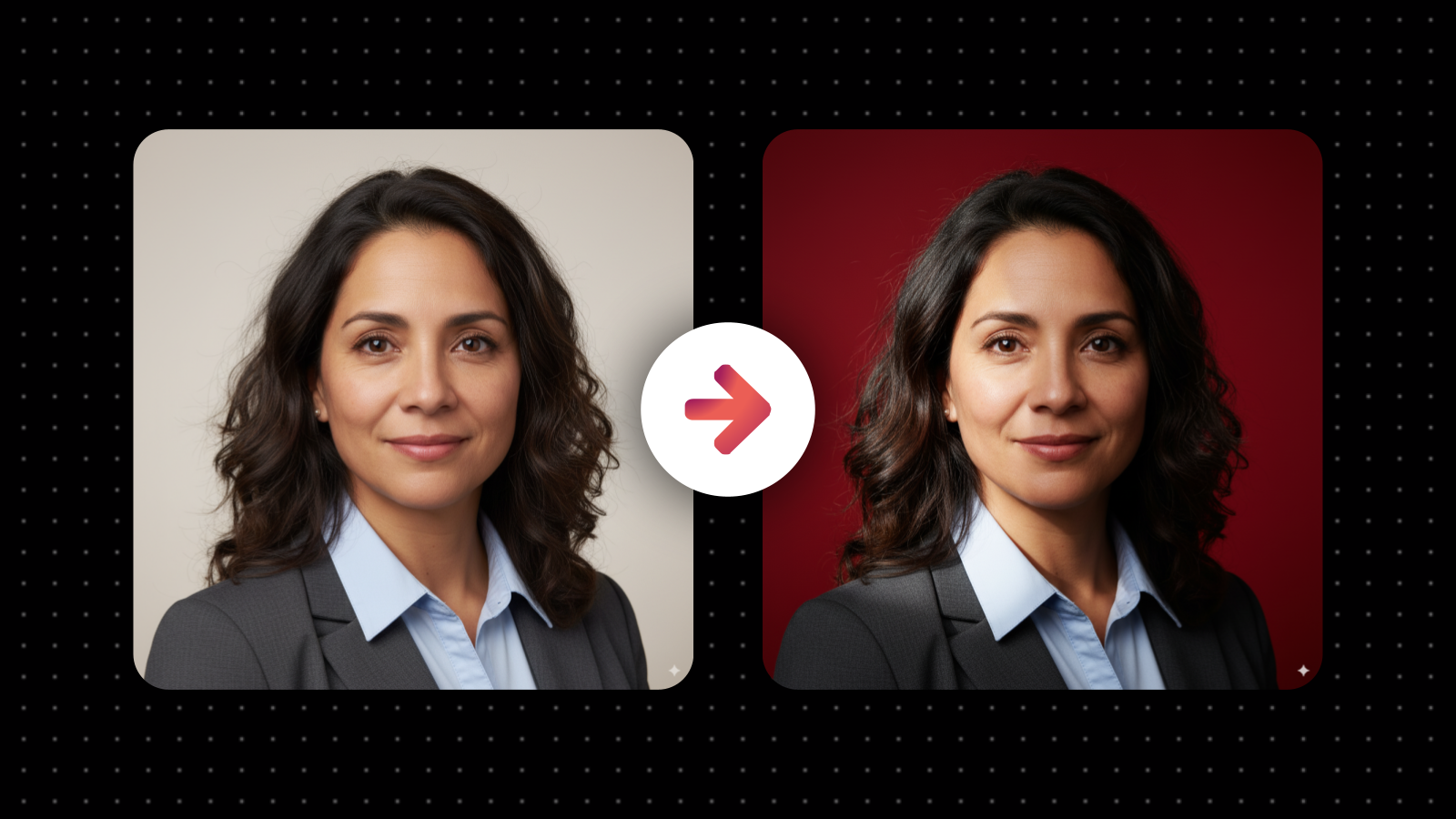
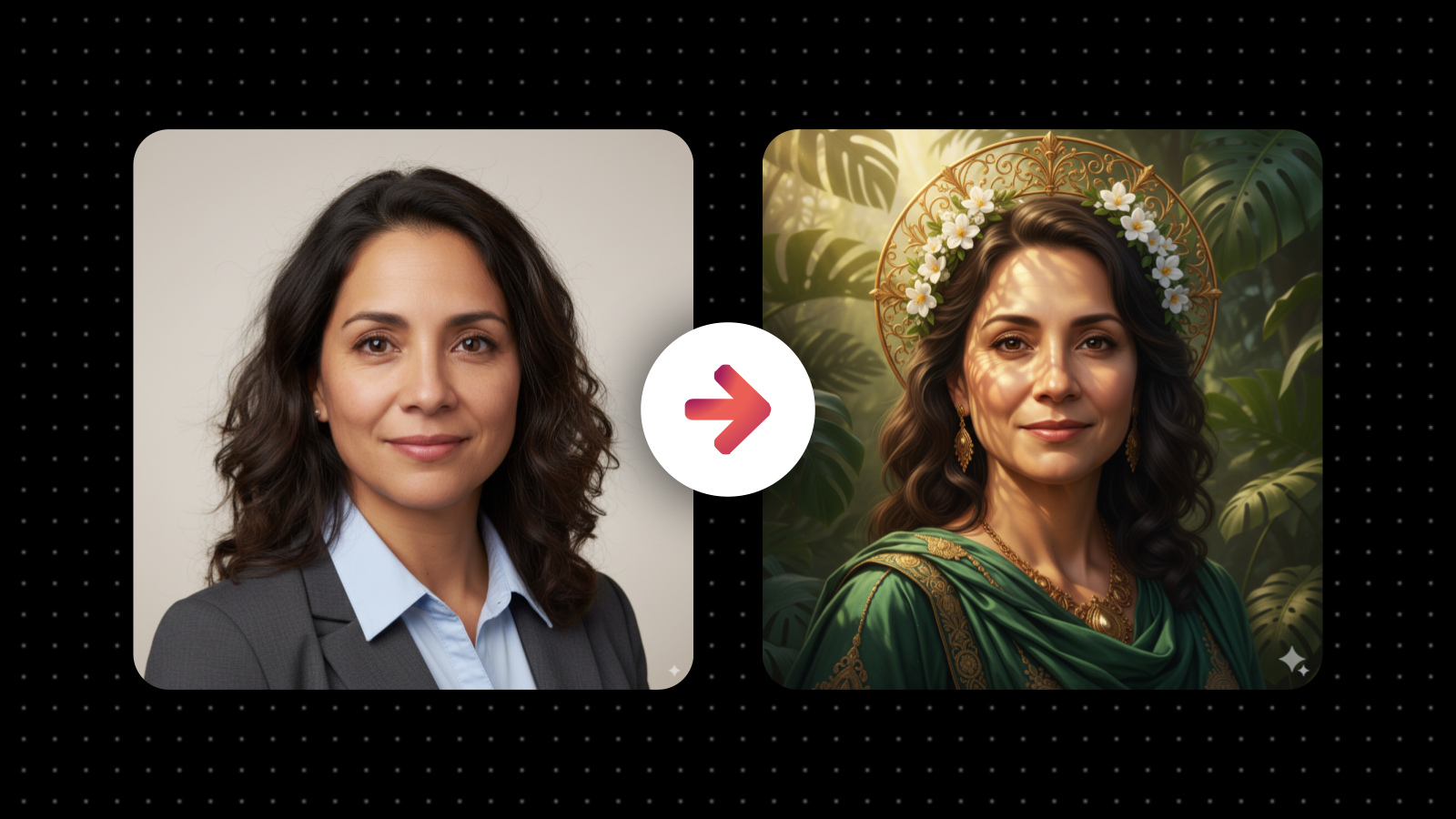
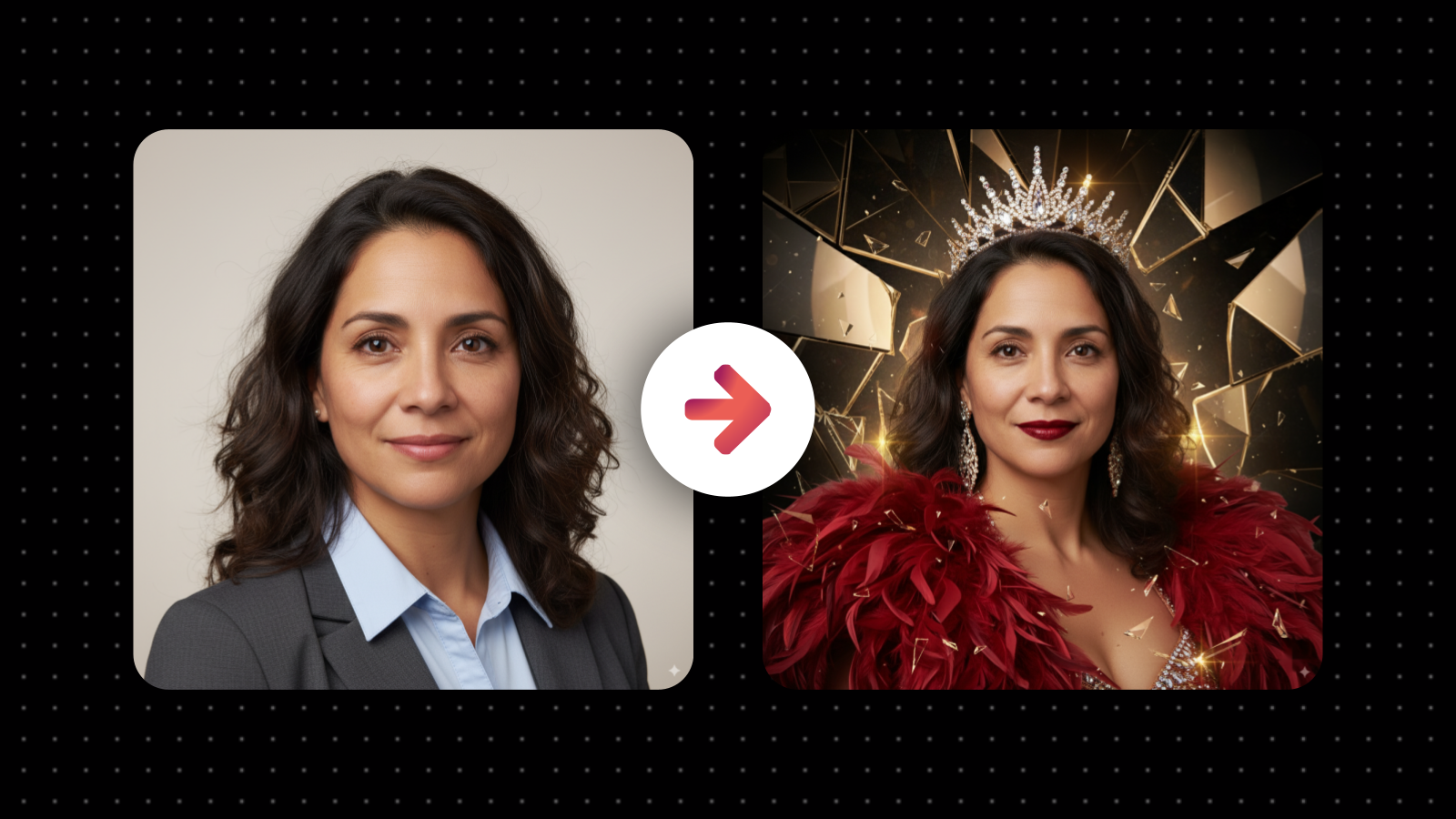
These new prompts let you completely change the visual style of an image without changing the subject.
The person, pose, and expression stay exactly the same. Only the style, lighting, and mood change. It works like a professional-grade filter you can fully control, powered by the newest AI image models like Nano Banana. 🍌
✅ WHAT YOU CAN DO:
Instantly apply a new visual look to your photo.
Add cinematic lighting, studio vibes, magazine-style color grading, artistic overlays, or experimental visual effects.
Add “additional details” at the end of each one so you can personalize your results.
Each prompt has been tested and designed to produce clean, creative results.
Get all the prompts inside the course! 👇
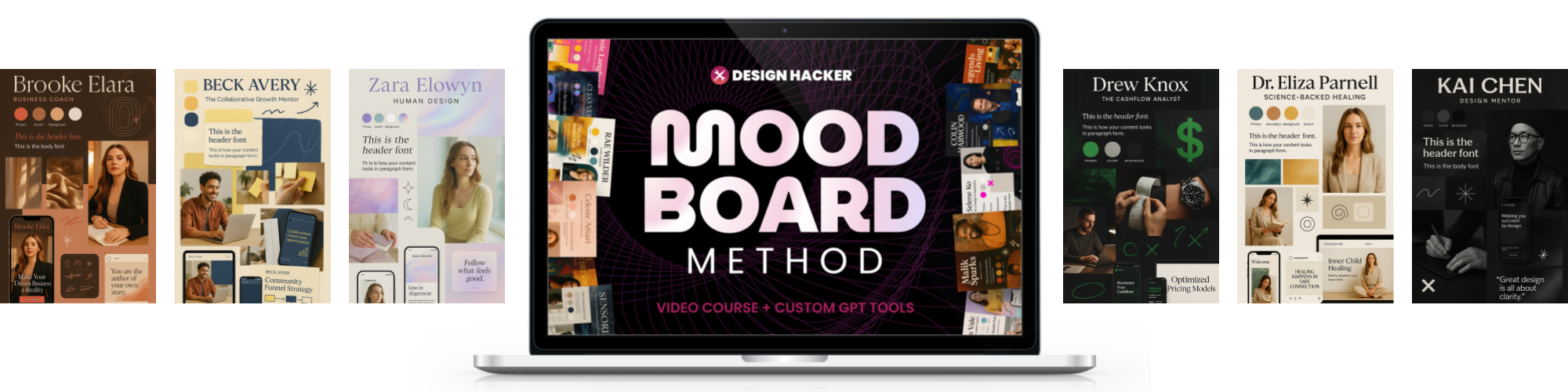
I’ve been improving the course all year by adding new tools, smarter prompts, and creative workflows like this one. Everything you see in the video, including the new AI Style Transfer Prompt Library, is available now inside the course! (See all updates here)
Already signed up? Login here →
🚀 HOW TO USE THESE PROMPTS:
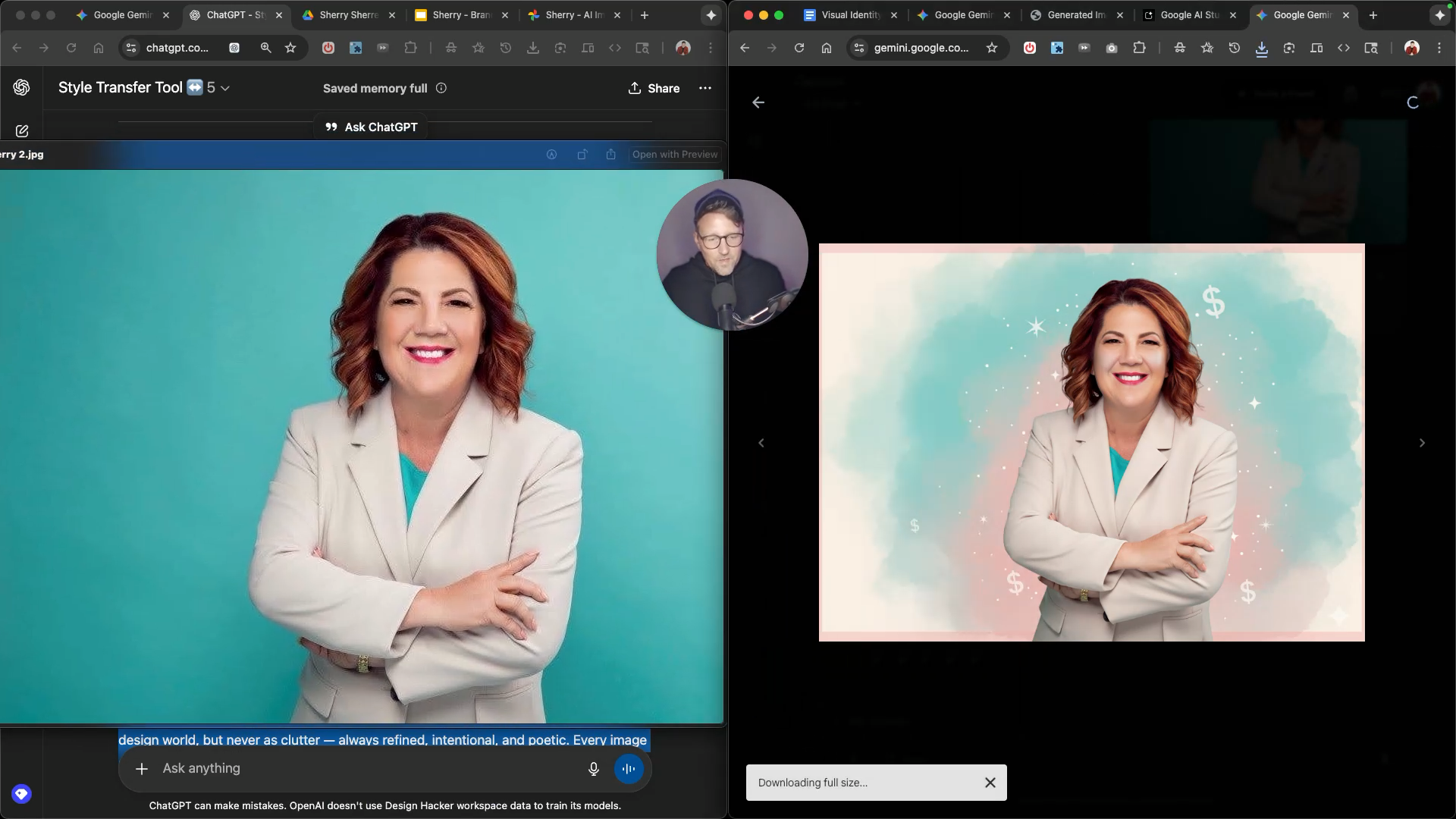
You can use these prompts inside free tools like Gemini, AI Studio, or Mixboard to leverage Google's new Nano Banana image model. They may work with other AI image tools as well, but I have mostly tested them with Nana Banana.
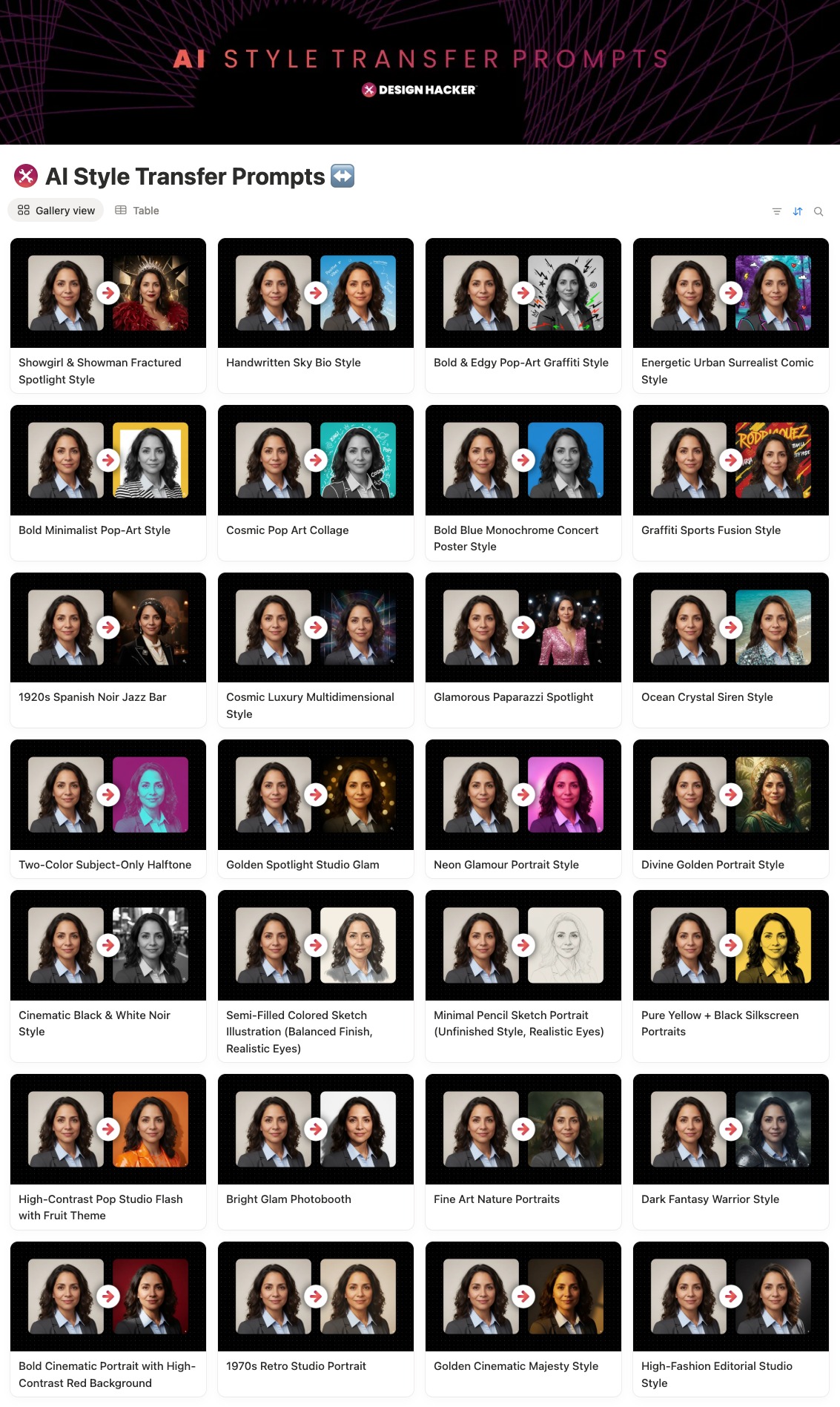
Here’s how it works:
Upload your photo into Gemini, Mix Board, or AI Studio.
Copy one of the Style Transfer Prompts from the library.
Paste it into the prompt box, then hit generate.
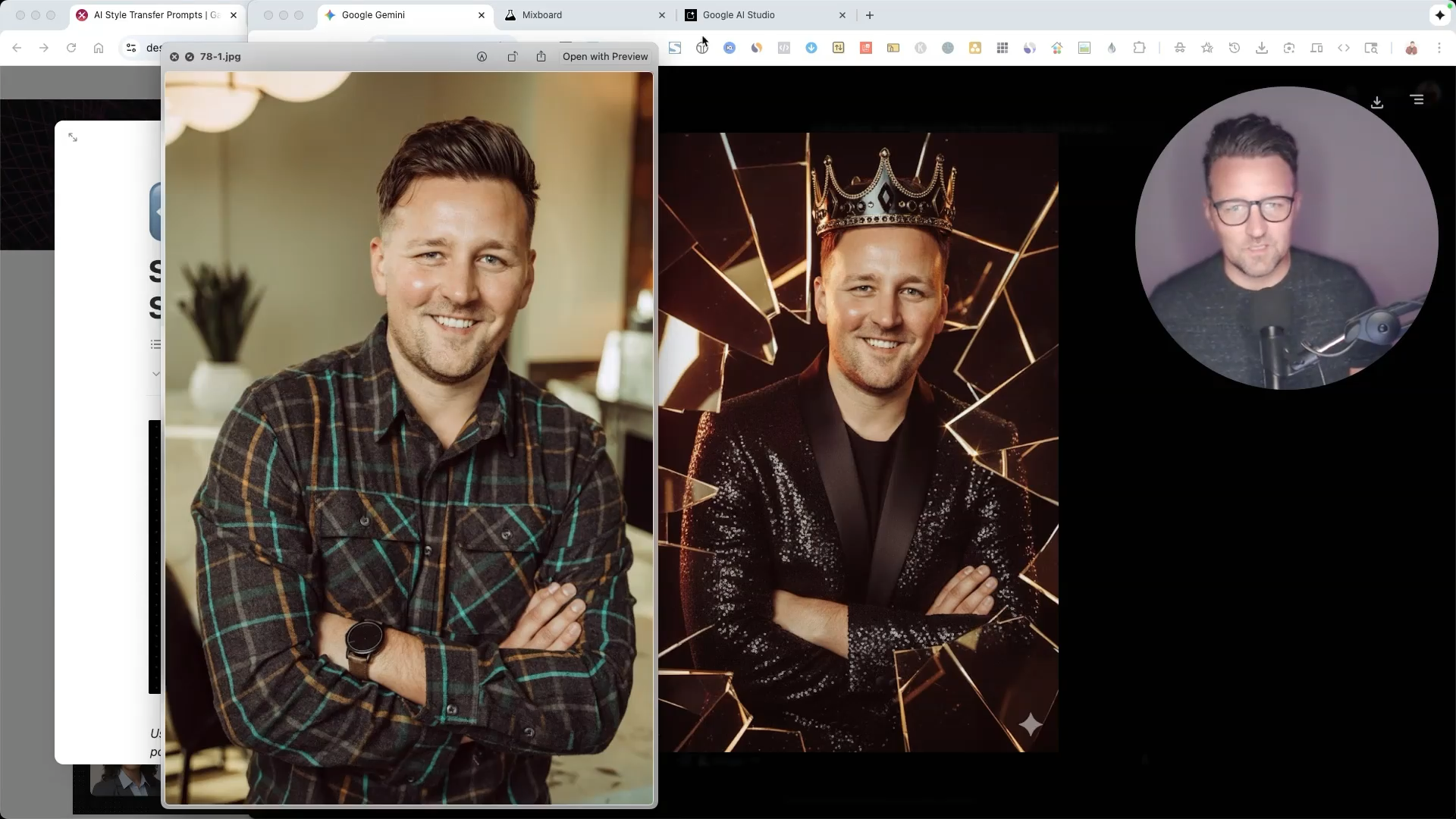
You can also:
Add extra context at the end, like “use a red background.”
Run the same prompt across multiple images for bulk editing.
Adjust small details (like colors or effects) directly inside the prompt.
🔎 USE CASES:
You can use these prompts to:
Upgrade a basic headshot into a creative studio portrait.
Apply brand-like lighting or backgrounds for social posts.
Add visual effects for marketing visuals or content covers.
Experiment with artistic looks that help your brand stand out.
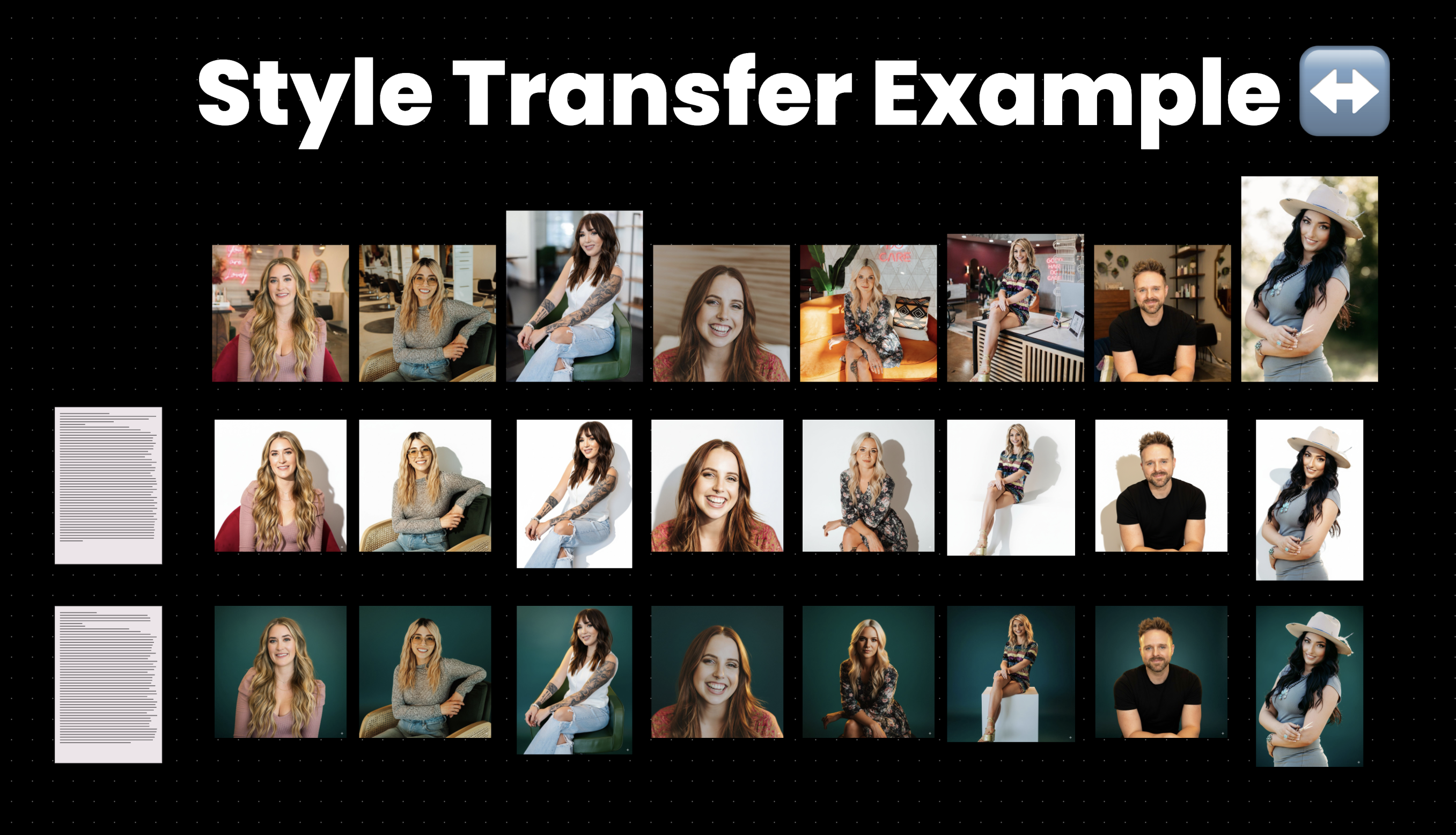
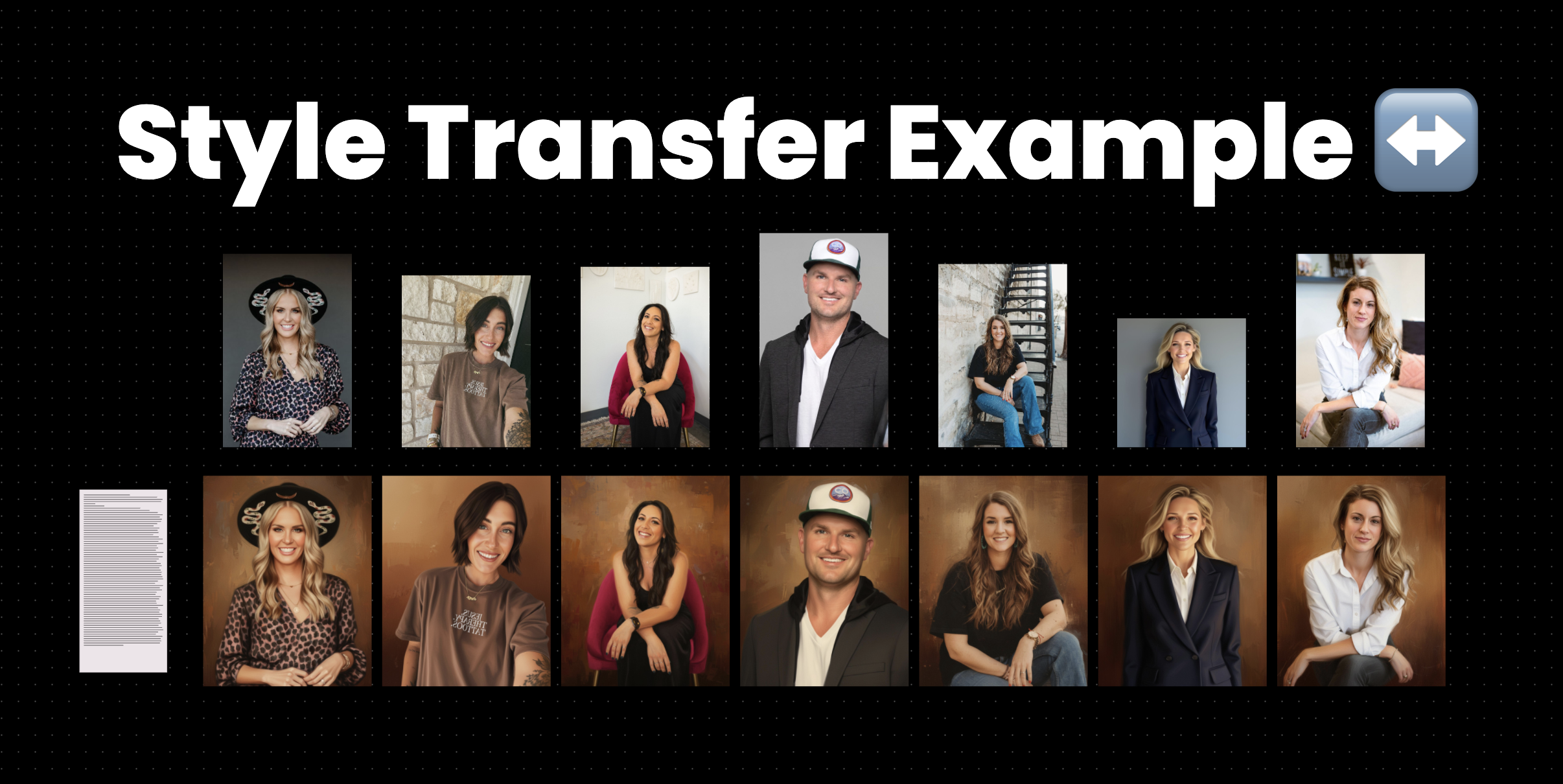
👇 REAL CLIENT EXAMPLE:
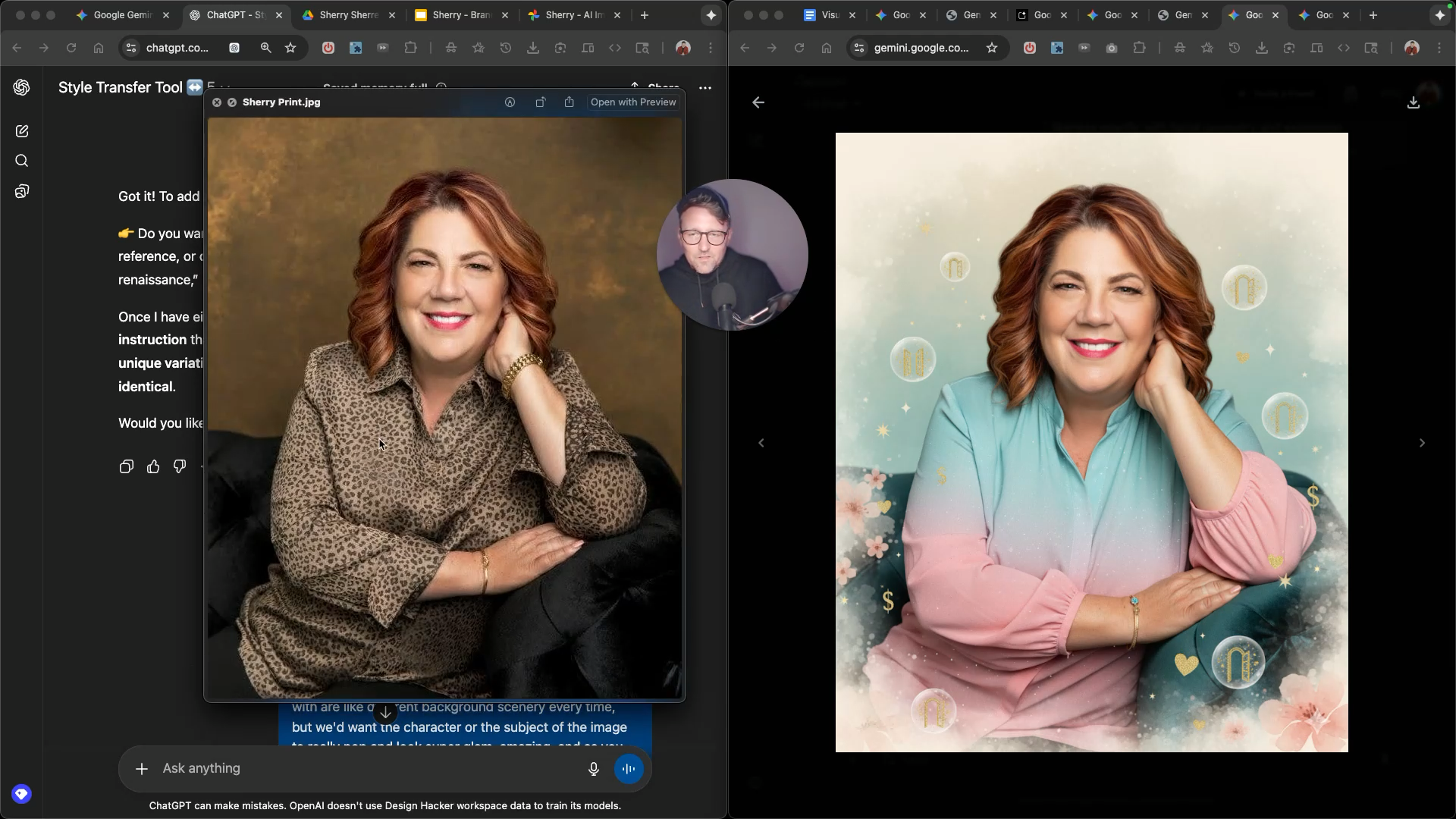
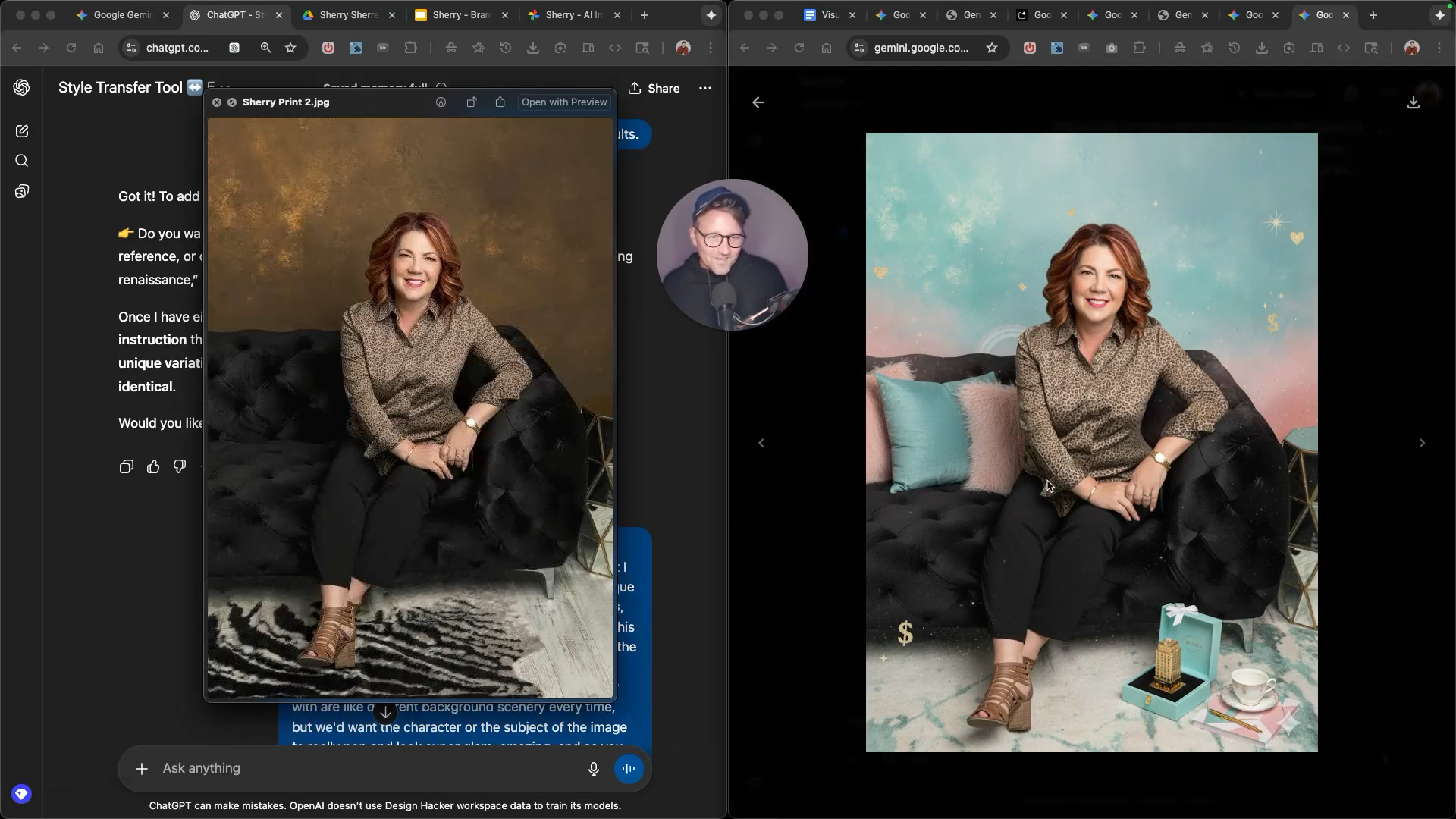

⚡️ WHY THIS IS SO POWERFUL:
This library helps you explore visual directions and create branded assets fast without touching Photoshop.
It’s a creative playground that saves time and opens up endless possibilities for branded visuals, content thumbnails, and campaign imagery. You can run all of this inside free AI tools. No subscriptions or software needed. It’s simple, fast, and fun.
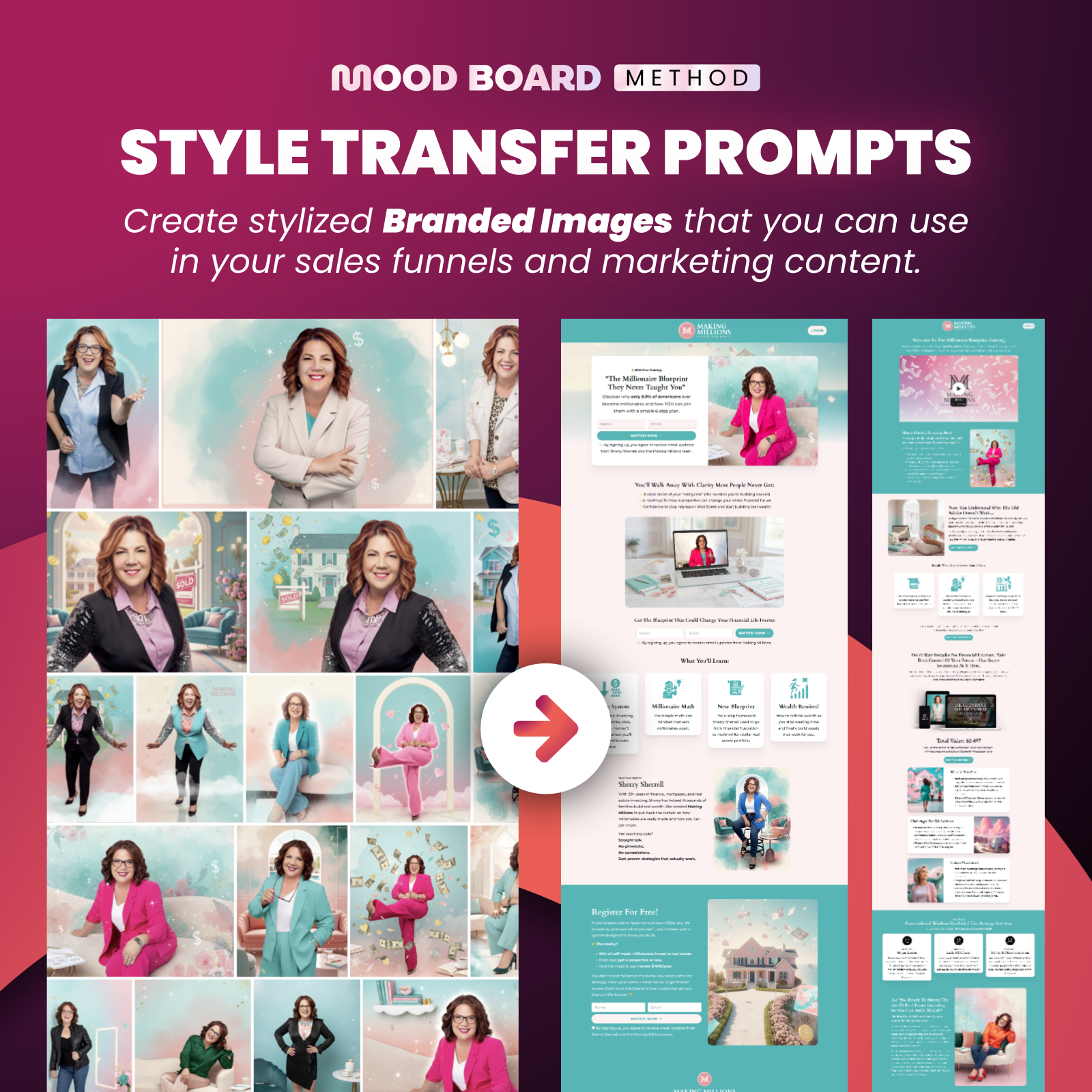
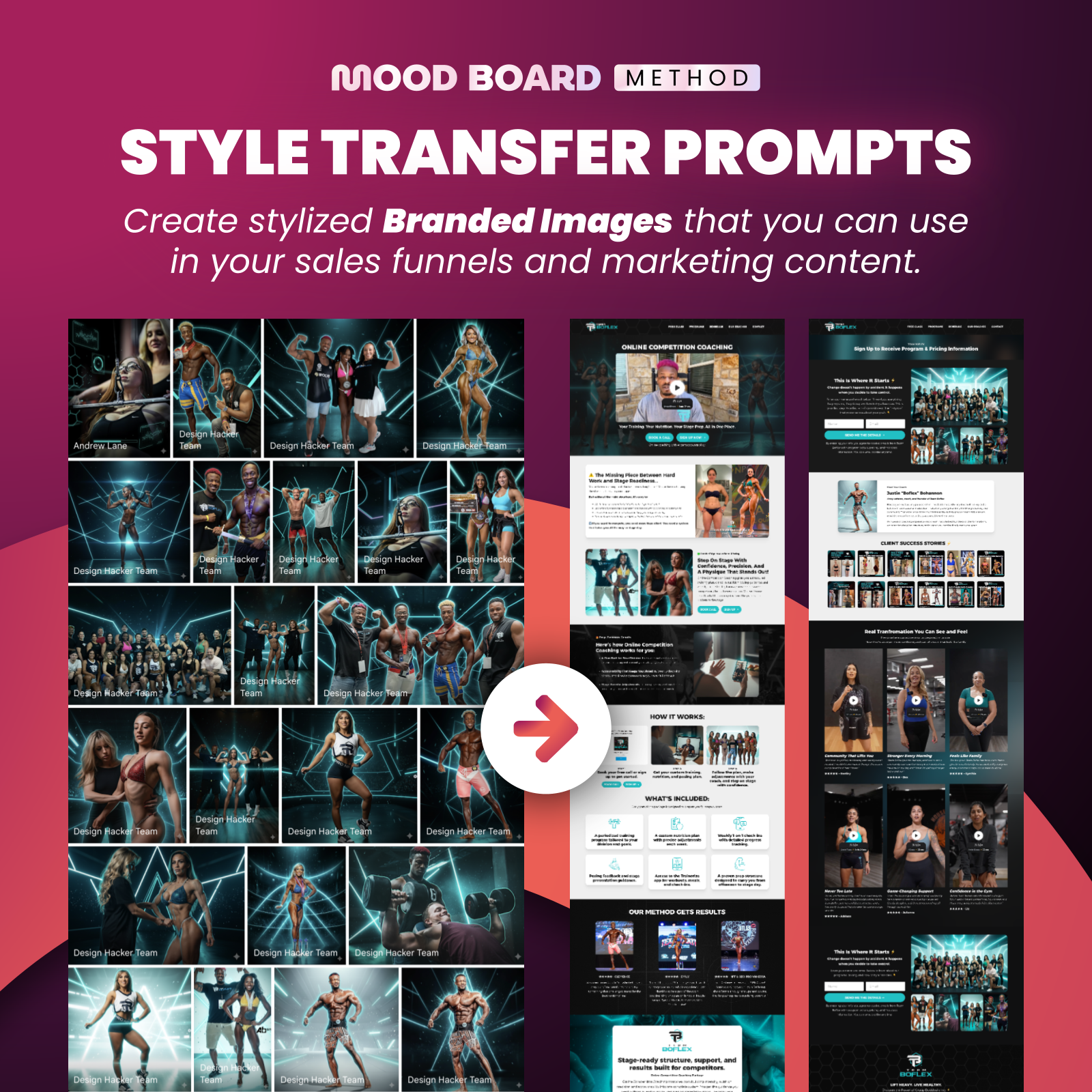
START USING THESE PROMPTS NOW!
The full Style Transfer Prompt Library is available now inside the Mood Board Method Course.
See why 100,000+ entrepreneurs love this method! 👇
Already bought the course? Login here →
What you get inside the course:
Access to all pre-made style prompts
Video tutorials showing how to use them in different tools
A companion tool to create your own custom style prompts
If you want to explore new creative directions, make your visuals look more polished, and build a consistent look across your content, then this is for you.
🔥 RECOMMENDED TRAINING:
Turn ANY Idea Into a World-Class Brand Identity In MINUTES With AI
This 3-step system uses AI to build a complete brand foundation for ANY business in just a few clicks.

Hey, I'm Andrew Lane
Founder of Design Hacker
I’ve built multiple 7-figure brands from scratch over the past 15 years. Now I’m using AI to make that process faster, smarter, and way more fun. If you want your brand to feel premium without wasting months or thousands of dollars, then this is for you!