ChatGPT Image Hacks To Build Your Brand Faster (Tutorial)
By Andrew Lane
Founder of Design Hacker
Watch The Video Tutorial:
With all the buzz around ChatGPT's new image generation features, everyone's rushing to create AI visuals... but most of them look disappointingly generic.
After 15 years as a designer, I've cracked the code on using ChatGPT to create consistent, on-brand visual content that actually looks professional, not that cheesy AI stuff flooding the internet.
Why Most People Fail With AI-Generated Graphics
Most people try to generate complete graphics in one go, asking ChatGPT to create things like "a Facebook post about my new coaching program." The result? Generic layouts with awkward text placement and visuals that don't align with their brand.
The problem? AI gets you close, but most images are just a bit off. When layouts look weird or text isn't usable, you waste hours re-rendering and waiting for new images that still aren't quite right.
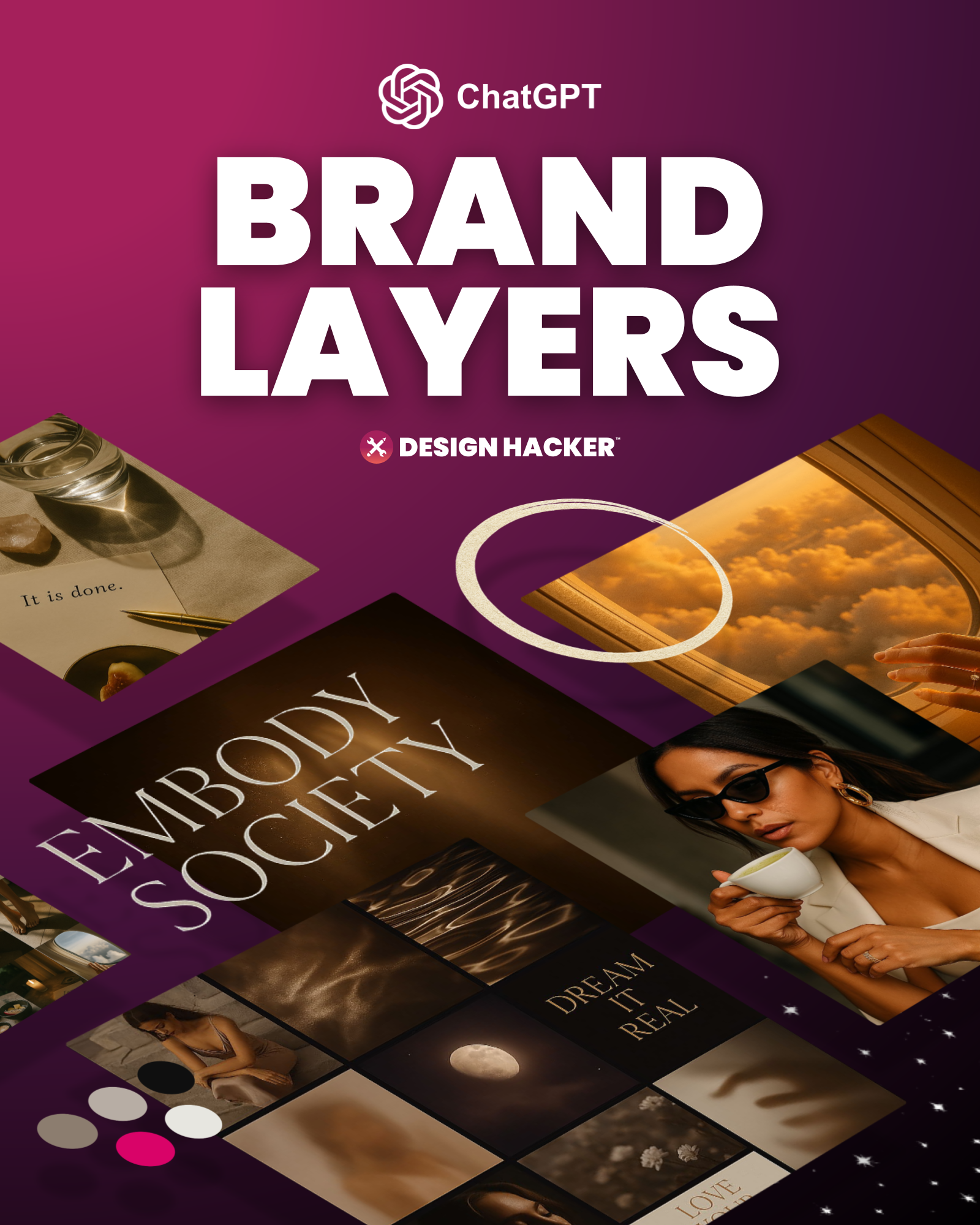
The Layer Method: My Secret to Brand-Perfect AI Graphics
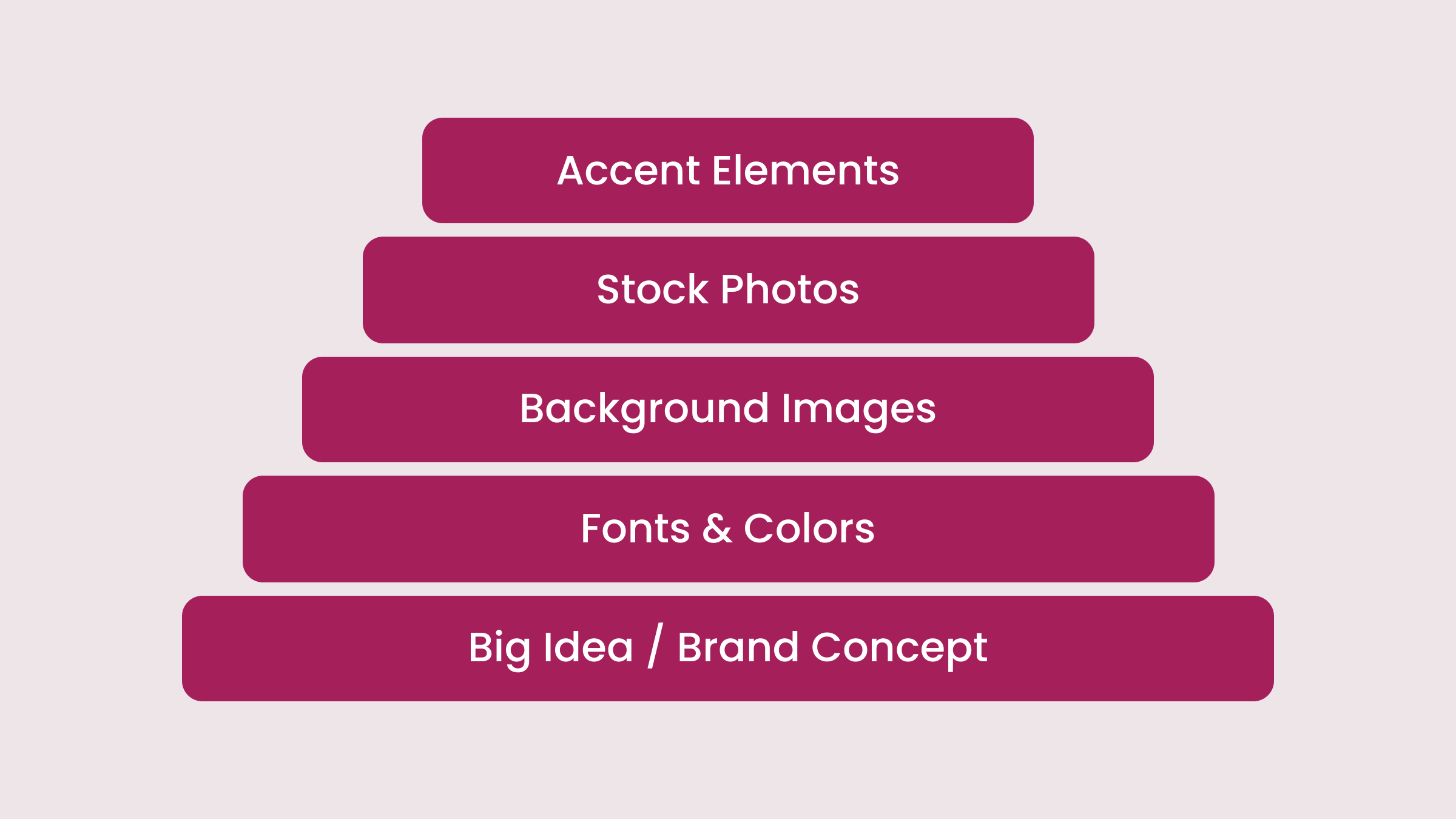
Instead of trying to generate complete graphics in one shot, I break the process into layers:
Mock up the initial concept
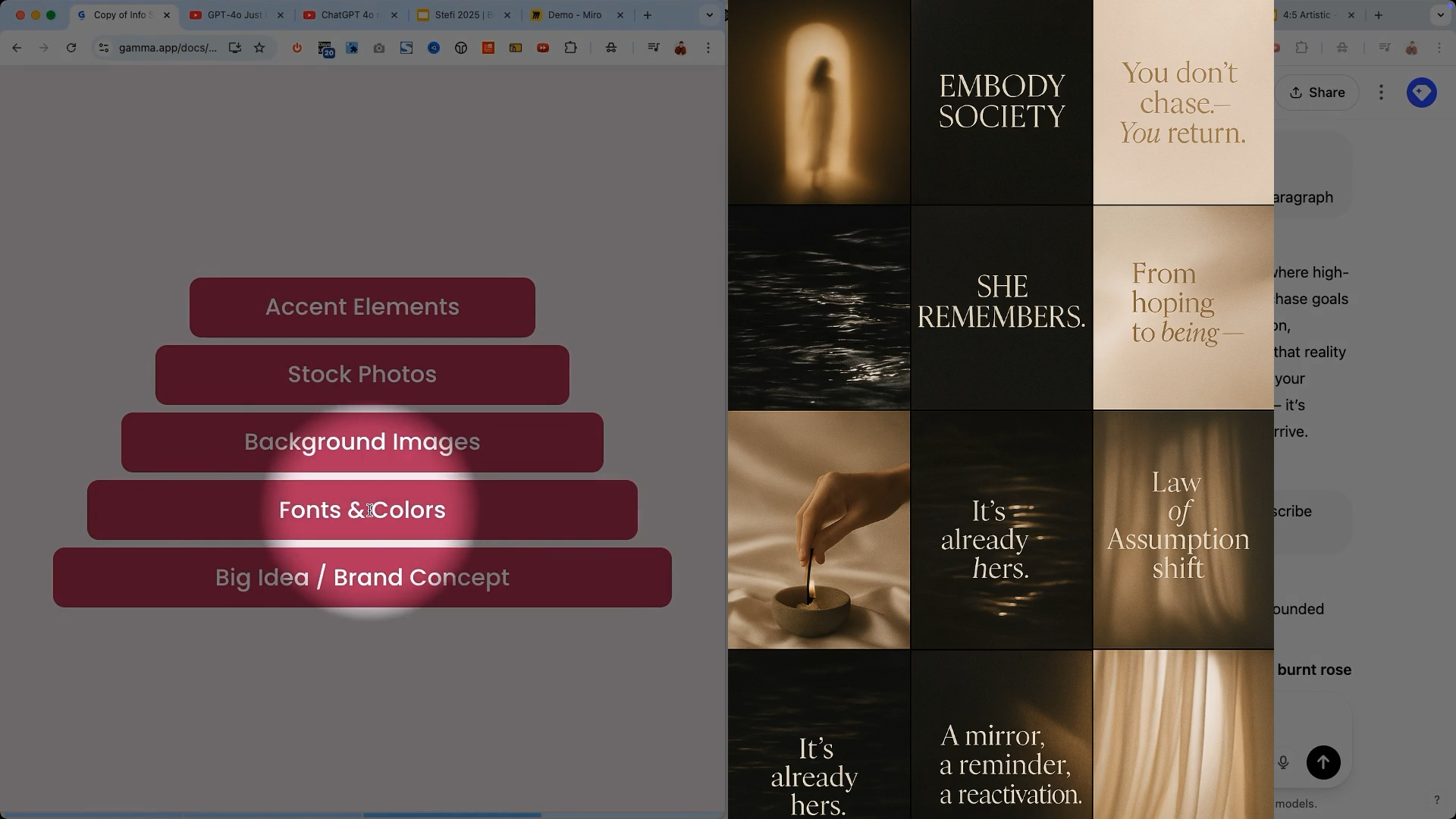
Generate individual layers separately (backgrounds, stock photos, accent elements)
Drop these elements into Canva, Google Slides, or your preferred design tool
Assemble the layers with your branded fonts and colors
This method gives you total control while still leveraging AI's creative power.
My Step-By-Step Brand Building Process With ChatGPT
Let me walk you through exactly how I do this, with simple prompts you can use right away.
→ Step 1: Feed ChatGPT Your Brand Context
Before creating any visuals, I help ChatGPT understand my brand by providing:
Business information
Ideal customer details
Overall brand goals
Content style and tone
Pain points and solutions
The more context ChatGPT has about your ideal customer and how you help them, the better it can create targeted visual content that resonates.
Example Prompt:
I need help developing visual branding for my fitness coaching business called "FitLife Coaching." We help busy professionals get in shape with 30-minute workouts. Our clients are mostly 30-45 year olds who work in corporate jobs and want efficient exercise routines.
→ Step 2: Develop The Visual Concept Through Conversation
I start by having ChatGPT describe the brand in words before creating any visuals:
Ask ChatGPT to describe the visual feel and vibe
Request a one-paragraph version to tighten the concept
Ask for a description of the visual that captures the feel without words
Request more abstract descriptions focusing on the emotional feel
Specify that you need backgrounds that work with text overlays
This back-and-forth helps refine the direction before generating any images. I guide ChatGPT toward a clear visual concept by providing feedback like "make it more aspirational and luxe" or "this needs to be more muted for text overlays."
Key Insight: Don't skip the written description phase! This helps ChatGPT understand exactly what you want before creating any visuals.
Example Prompts:
Describe the visual feel for FitLife Coaching.
Now describe what the background images should look like.
Example Response You Might Get: "FitLife Coaching should have a clean, energetic visual identity with a color palette of deep blue, vibrant green, and crisp white. Imagery should show professionals fitting workouts into their busy lives in modern environments. Typography should be bold yet approachable, with plenty of white space for a clean, efficient look."
→ Step 3: Create Visual Mood Boards
Once the written description feels right, I have ChatGPT create a visual mood board. I usually request several concepts to see different directions.
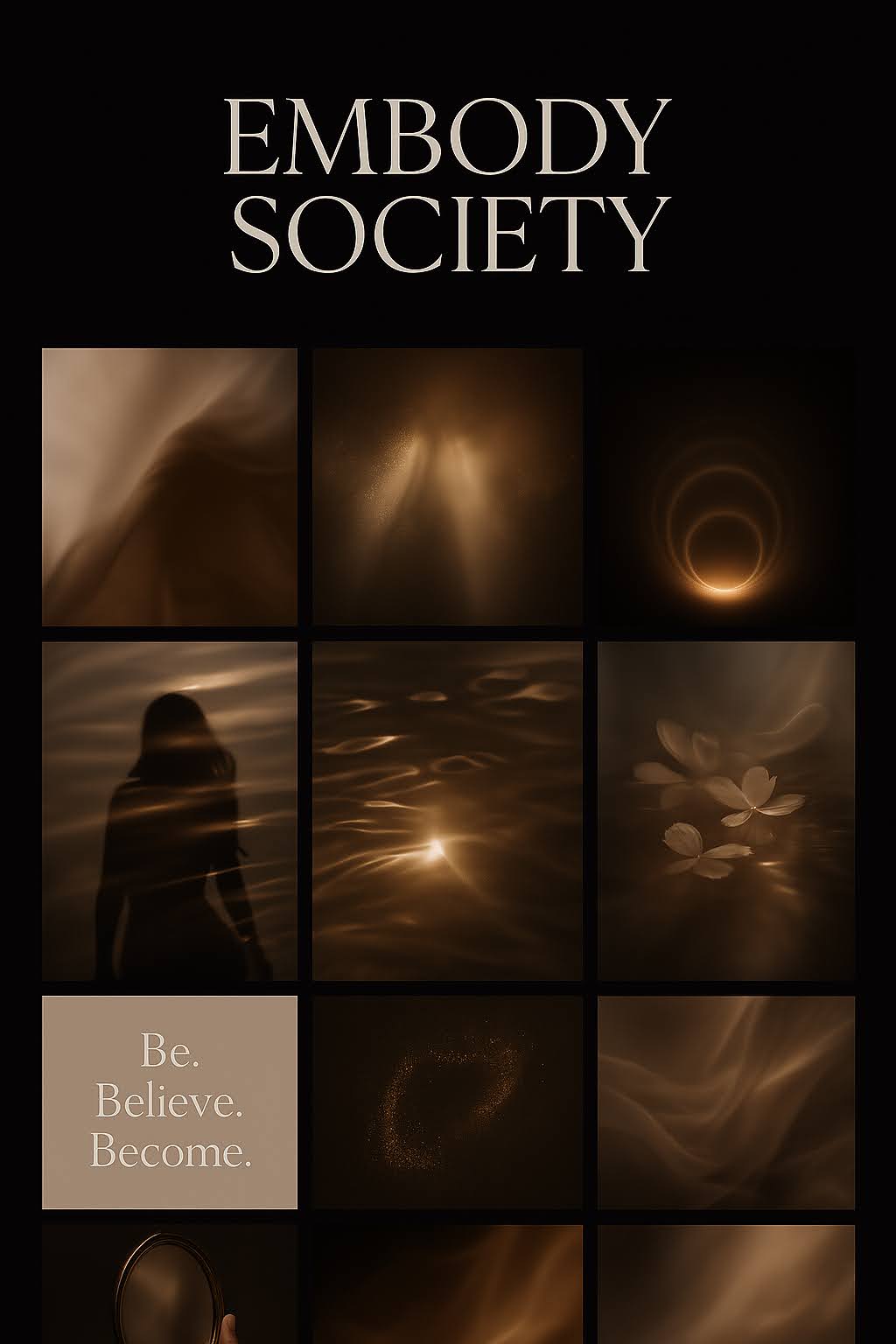
After reviewing the mood boards, I select the direction I prefer and ask ChatGPT to show how my brand would look across different marketing assets:
Website
Social media
Email newsletters
PDFs and workbooks
Course materials
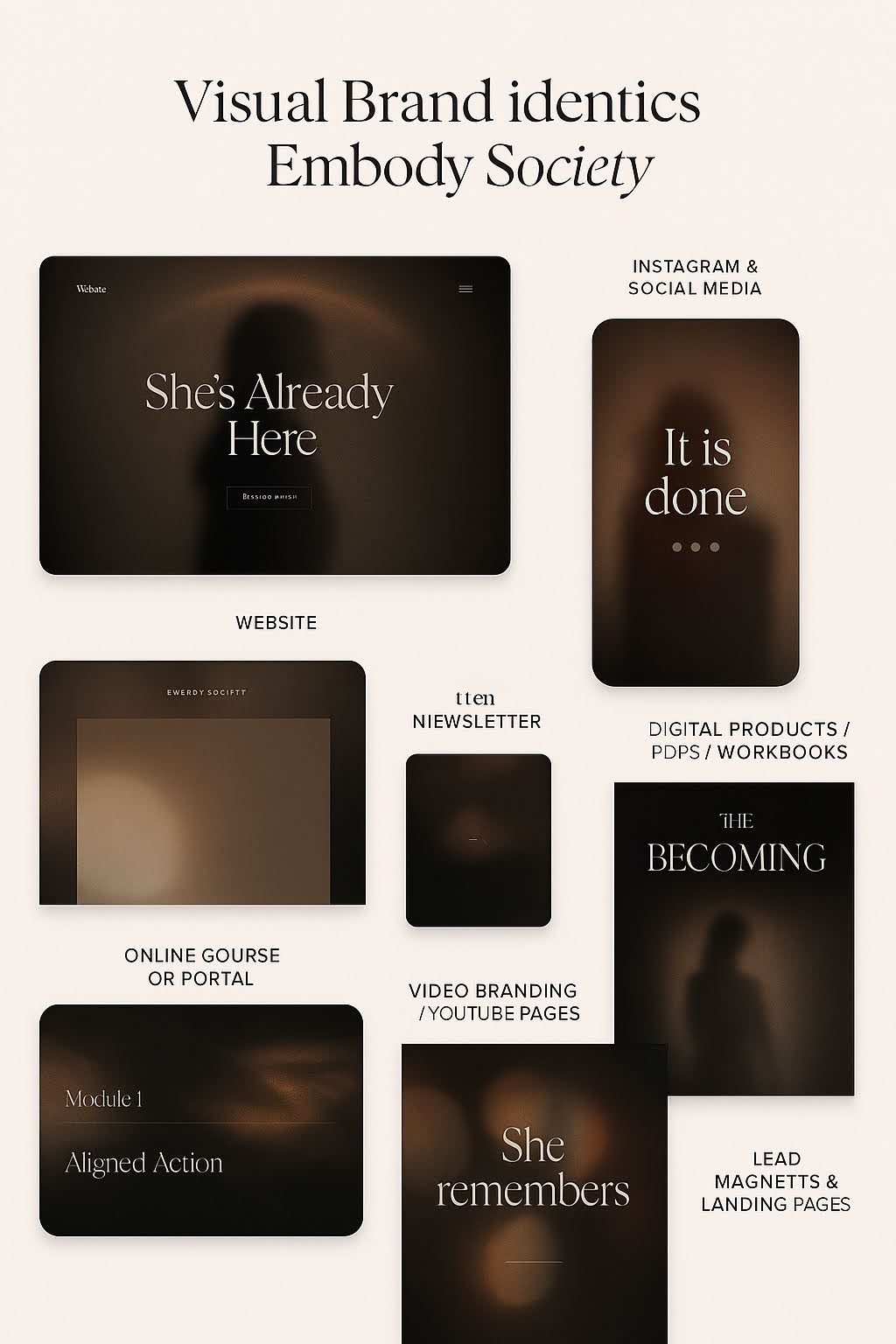
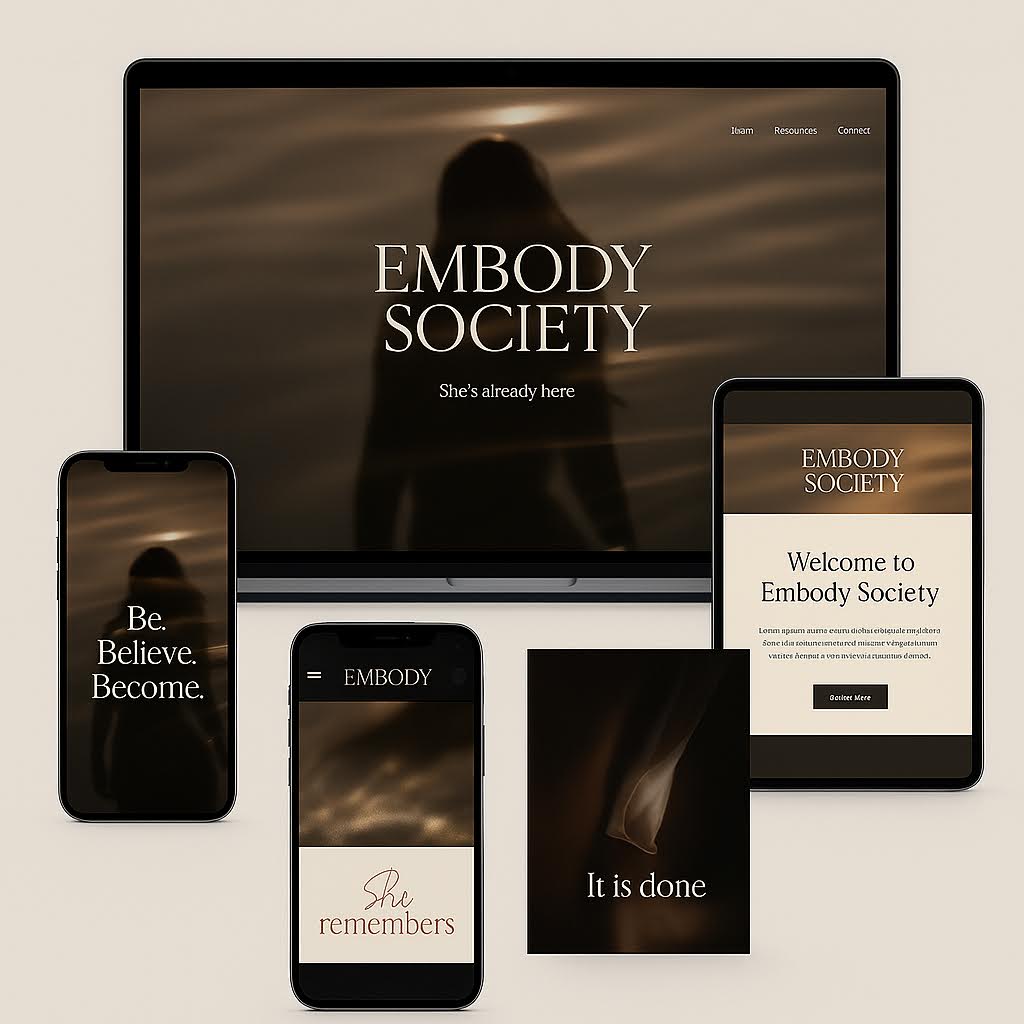
This gives me a better sense of how the visual identity works in different contexts.
Example Prompts:
Create a visual mood board for FitLife Coaching.
Show me how this would look across different marketing materials.
→ Step 4: Extract Individual Layers
Here's where the magic happens. Rather than using these mockups directly, I:
Take screenshots of elements I like
Ask ChatGPT to recreate specific elements in higher resolution
Request variations with specific changes
Build a library of background images, stock photos, and accent elements
For background images, I request them in different aspect ratios (16:9, 9:16, etc.) to use across platforms.
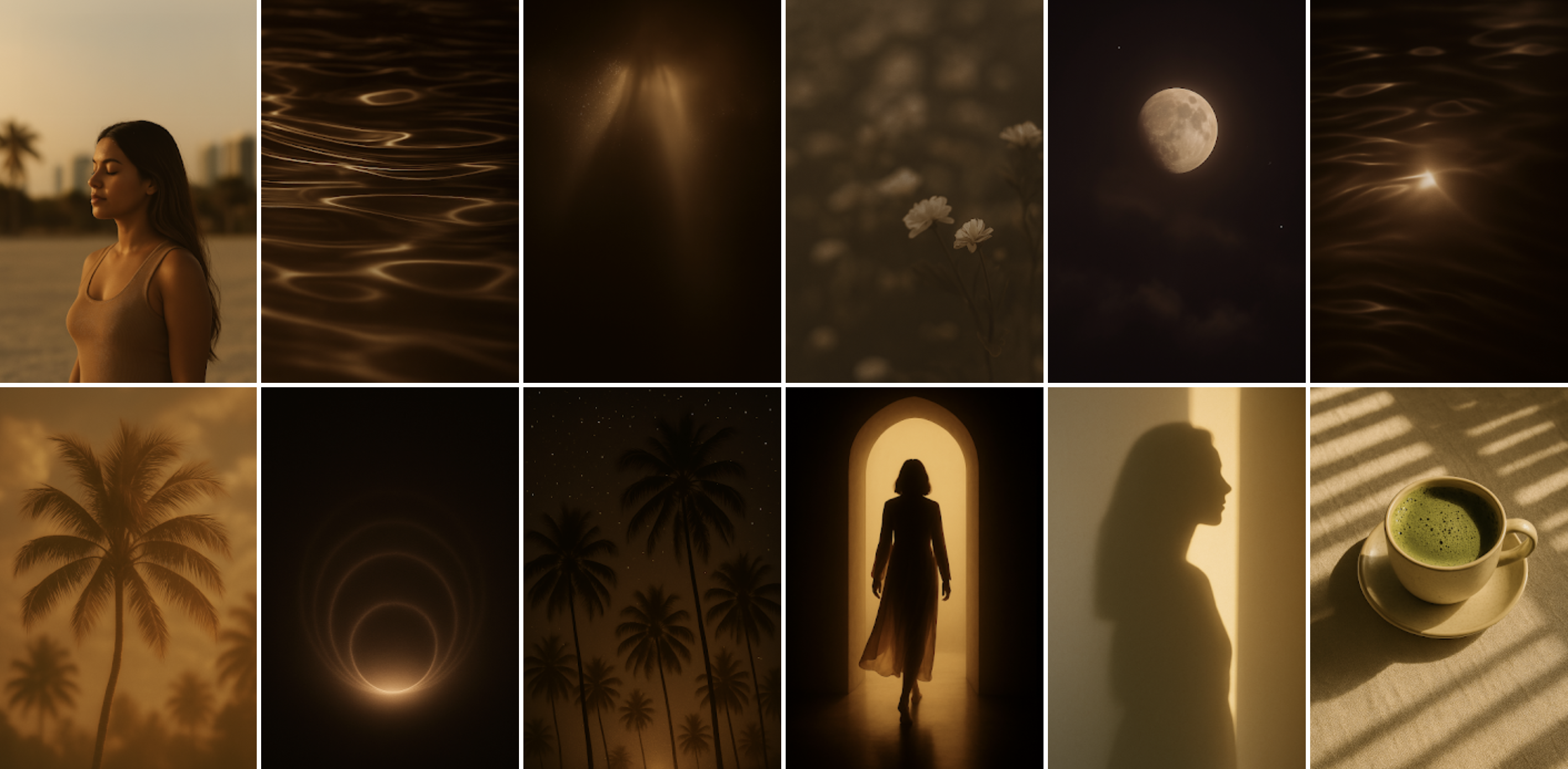
Example Prompts for Background Images:
Create a clean background image for FitLife Coaching that would work with text overlays.
Example Prompts for Stock Photos:
Generate an image of someone doing a quick workout in a home office setting.
Example Prompts for Accent Elements:
Create transparent fitness icons I can use as overlay elements.
→ Step 5: Build Your Asset Library
I continue building my library by asking ChatGPT to generate:
Background images: Request these without text for maximum flexibility
Stock photos: Describe scenarios relevant to your brand
Accent elements: Ask for "transparent sticker-style images" or dust/particle effects

When you run out of ideas, simply ask ChatGPT for "10 more image ideas" and it will generate new concepts. Then request a grid showing all the ideas so you can pick your favorites to create.
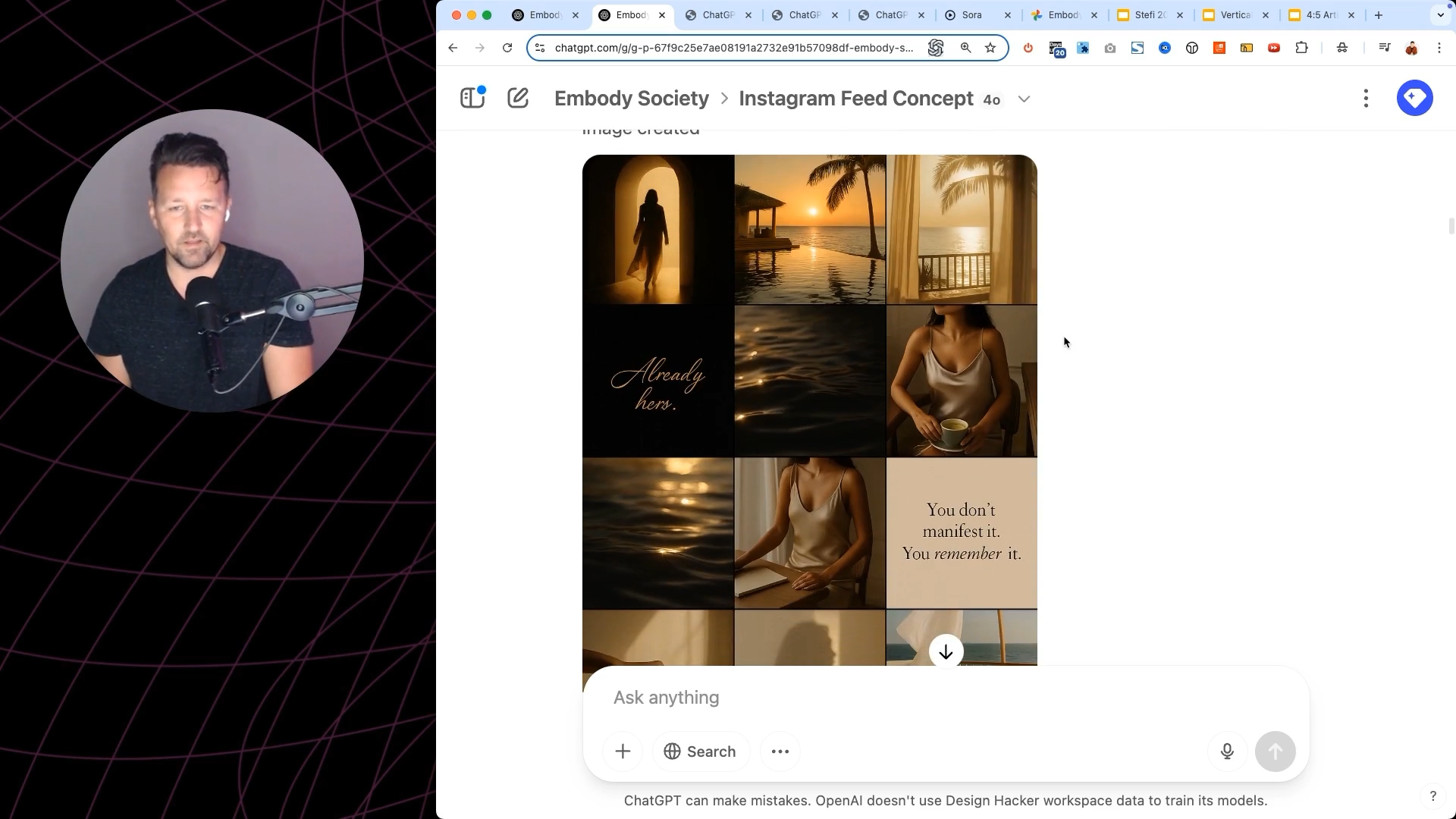
BONUS HACK: If you see inspiration elsewhere (like in a magazine), take a photo and ask ChatGPT to "make an image exactly like this, but with no text" and specify your desired dimensions.

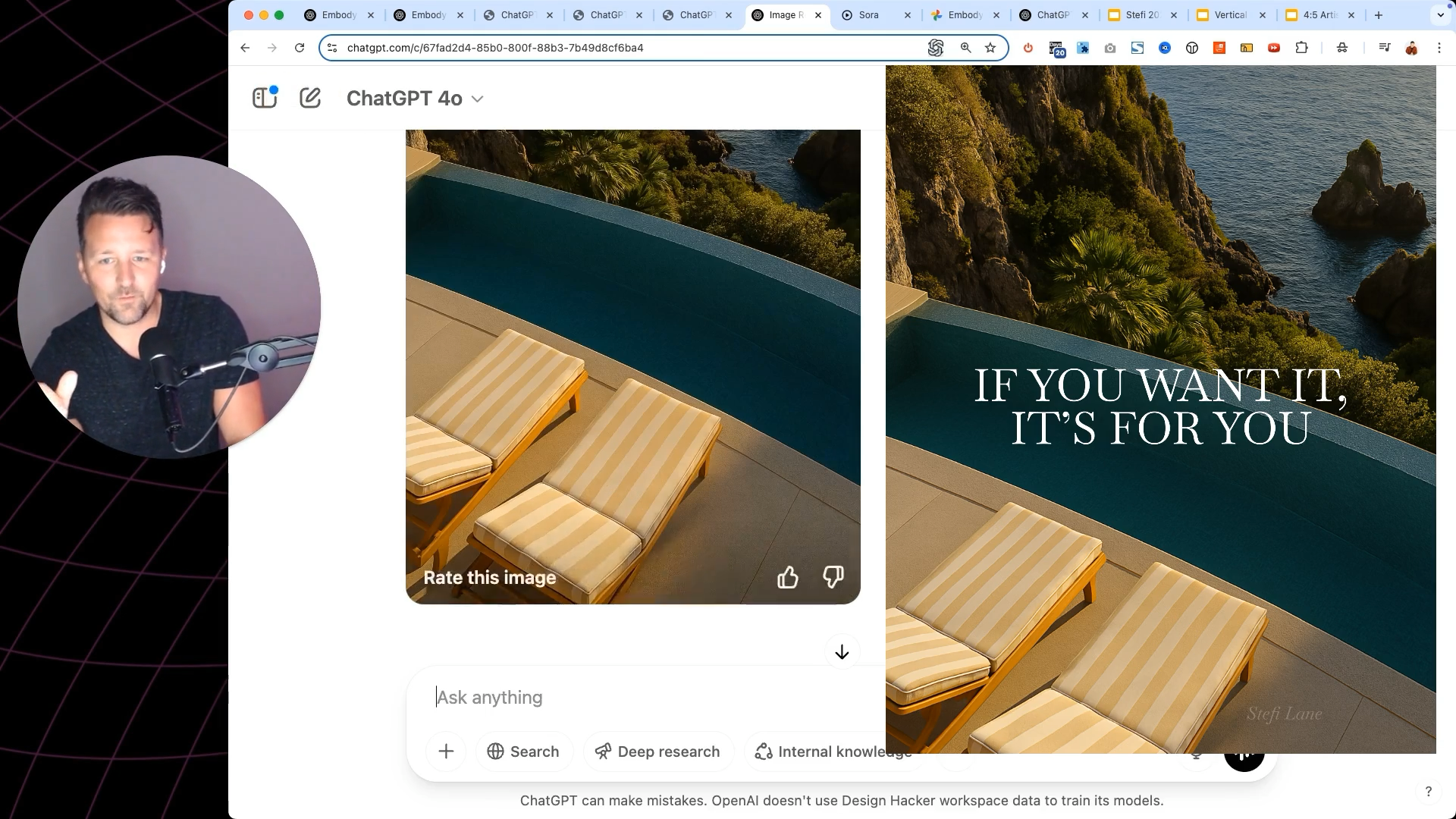
Example Prompt for Getting More Ideas:
Give me 5 more image ideas for FitLife social media content.
Practical Tips for Best Results
Keep prompts simple but specific: You don't need paragraph-long prompts once ChatGPT understands your brand
Create variations: Ask for 3-4 variations of each element to give yourself options
Use screenshot references: If ChatGPT creates something you like in a mockup, take a screenshot and ask it to recreate just that element
Request transparent backgrounds: Always specify transparent backgrounds for elements you'll overlay
Focus on quality over quantity: A few perfect elements beat dozens of generic ones
Your Action Plan: Start Building Your Brand Library Today
Ready to create your own branded visual content with ChatGPT? Here's your step-by-step action plan:
-
Create a folder structure for:
Background images
Stock photos
Accent elements
Start with a simple brand description
Generate your first mood board
Create 3-5 background images in different formats
Add 5-10 stock photos relevant to your brand
Finish with 1-3 accent elements with transparent backgrounds
Assemble these in your design tool for fully branded graphics
Remember to focus on creating the individual components rather than trying to generate perfect graphics in one shot.
By building a library of branded elements, you'll be able to create consistent, professional visuals in minutes instead of hours.
Final Thoughts
The difference between amateur and professional AI-generated graphics isn't fancy prompts, it's understanding how to break down the process into manageable layers.
By using ChatGPT to generate concepts and individual elements rather than finished graphics, you'll build a brand that stands out from the AI-generated crowd.
🔥 RECOMMENDED TRAINING:
Turn ANY Idea Into a World-Class Brand Identity In MINUTES With AI
This 3-step system uses AI to build a complete brand foundation for ANY business in just a few clicks.

Hey, I'm Andrew Lane
Founder of Design Hacker
I’ve built multiple 7-figure brands from scratch over the past 15 years. Now I’m using AI to make that process faster, smarter, and way more fun. If you want your brand to feel premium without wasting months or thousands of dollars, then this is for you!