Watch Me Create A Consultant Brand Identity In 45 Minutes With Gemini
By Andrew Lane
Founder of Design Hacker
Watch the full tutorial here 👇
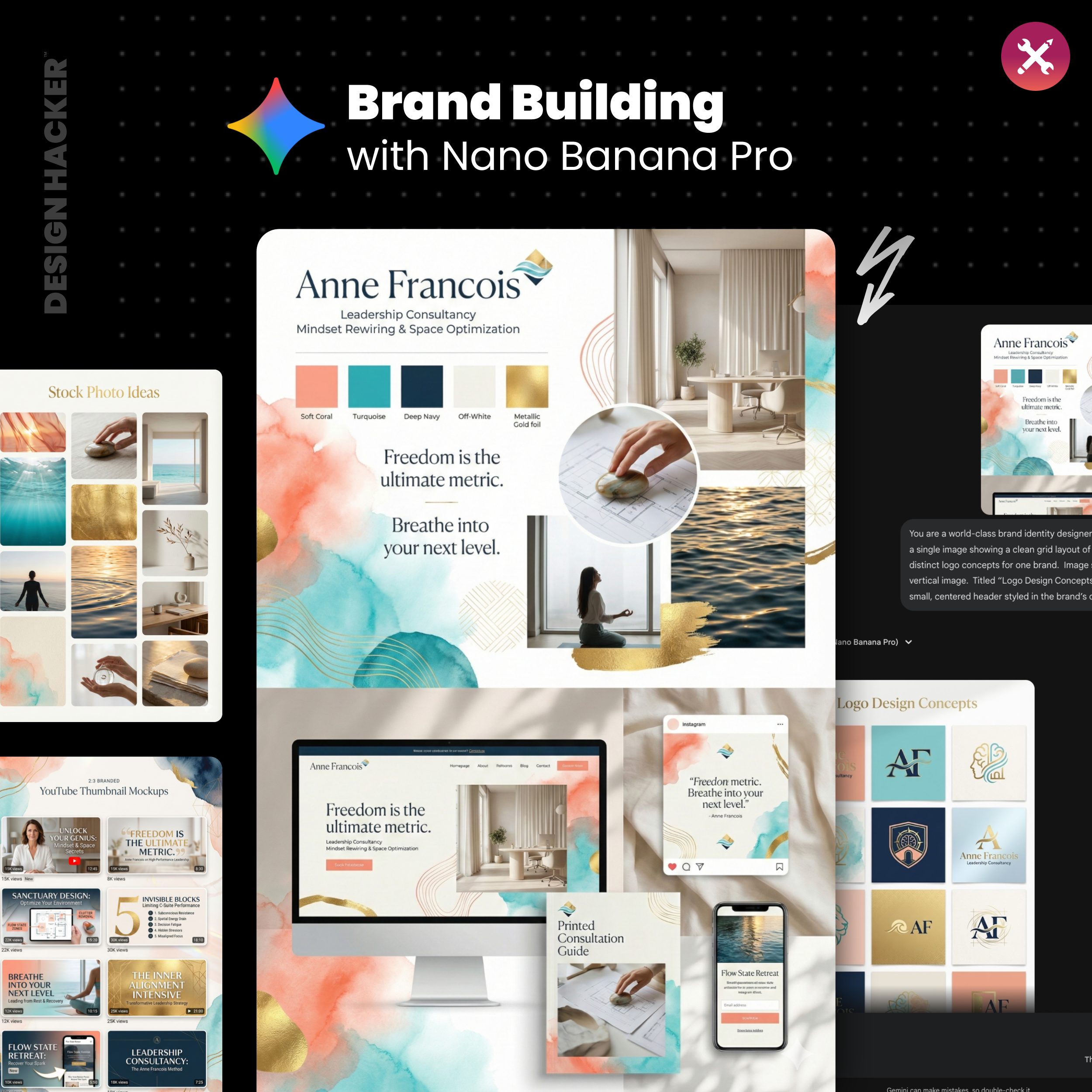
Your expertise deserves a brand that looks the part.
This tutorial shows you how to use simple AI tools like Gemini to create authority-building visuals, logos, and funnel concepts fast.
The Big Idea:
✅ You have the expertise.
✅ You have the methodology that gets results.
❌ The problem is that your visual brand doesn't quite match the premium level of service you provide.
For years, consultants and experts have been stuck in a difficult spot. You know that to command higher fees, you need to look the part... branding builds trust, and trust is what sells high-ticket advice.
However, the traditional path to getting that "authority" look is painful. You either spend months going back and forth with a designer, or you try to DIY it in Canva and end up with something that feels a bit disjointed.
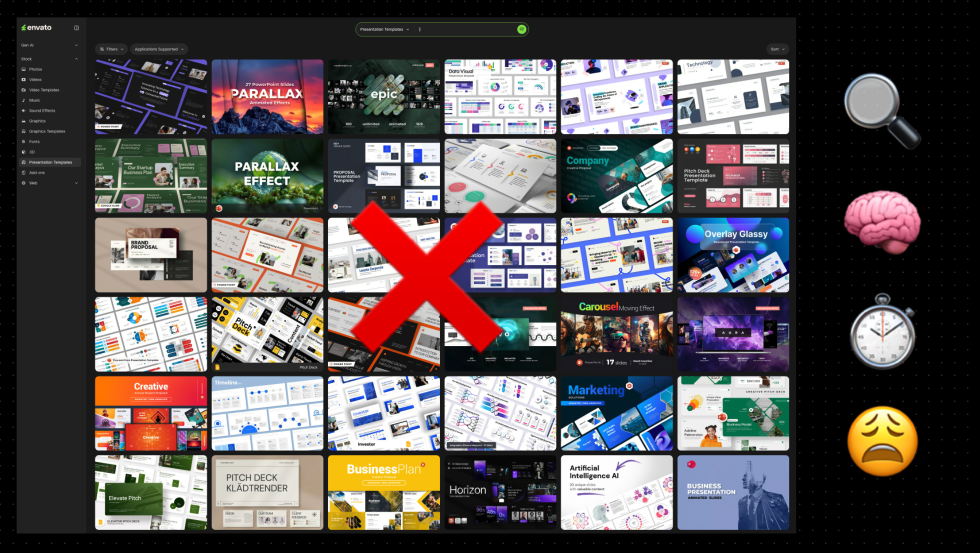
I used to spend hours just scrolling through stock photo sites like Envato Elements, hunting for a single background texture that didn't look cheesy. It was a massive energy drain.
We are moving past those slow, expensive timelines... we can now use AI to build a professional brand identity in under an hour.
I call this the Mood Board Method. It's designed to take you from a rough concept to a polished, client-ready visual direction fast.
This allows you to stop stressing over colors and start focusing on what actually matters: marketing, messaging, and monetization.
The Shift: Expert Branding Then vs. Now
The Traditional Method (The "Agency" or "Freelancer" Route)
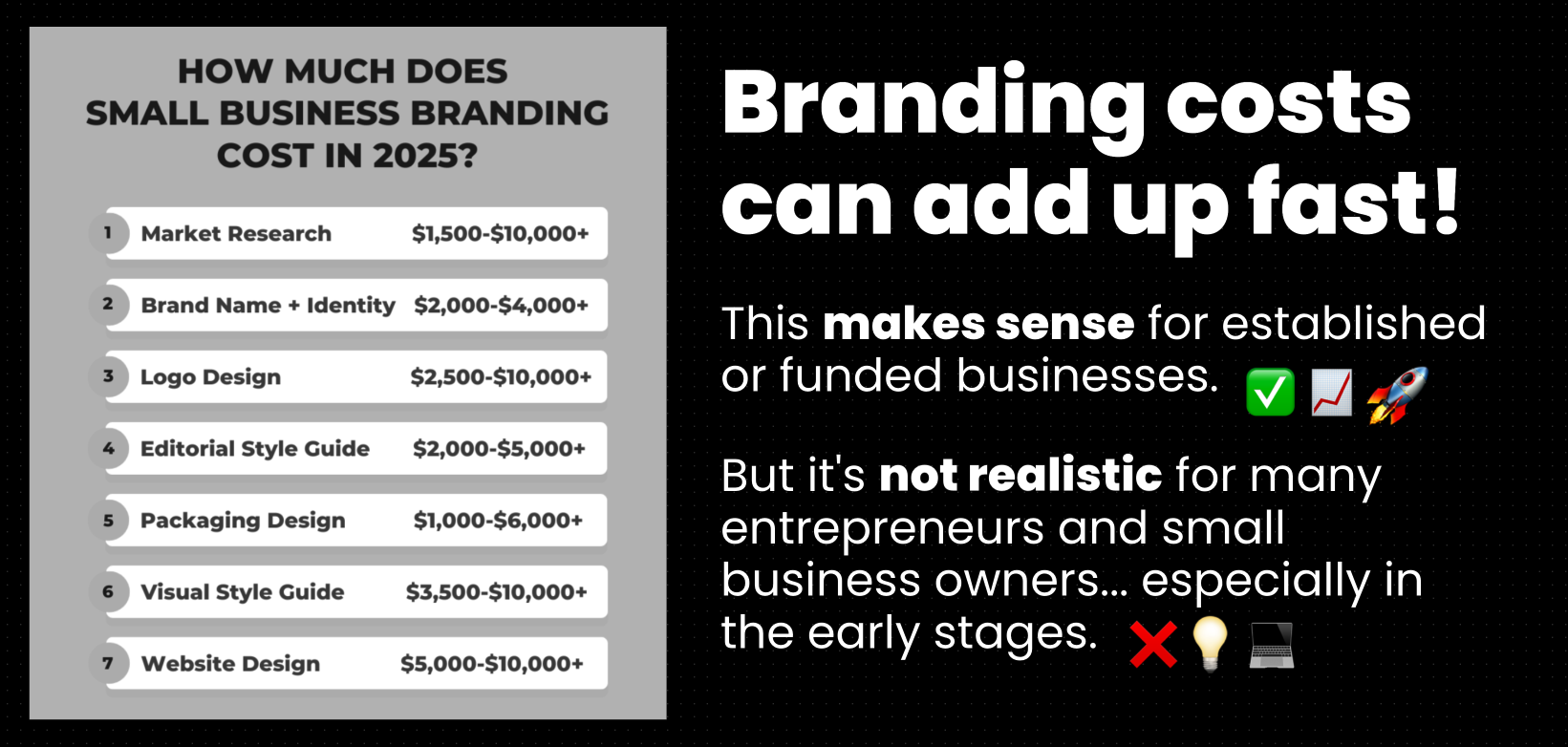
High Cost: Retainers or project fees often hitting five figures.
Slow Turnaround: 4–8 weeks just to see initial concepts.
Disconnected Assets: You get a logo, but you have no idea how it looks on a pitch deck.
Static: If you pivot your offer, you have to pay to update the brand.
The Mood Board Method (The AI Route)
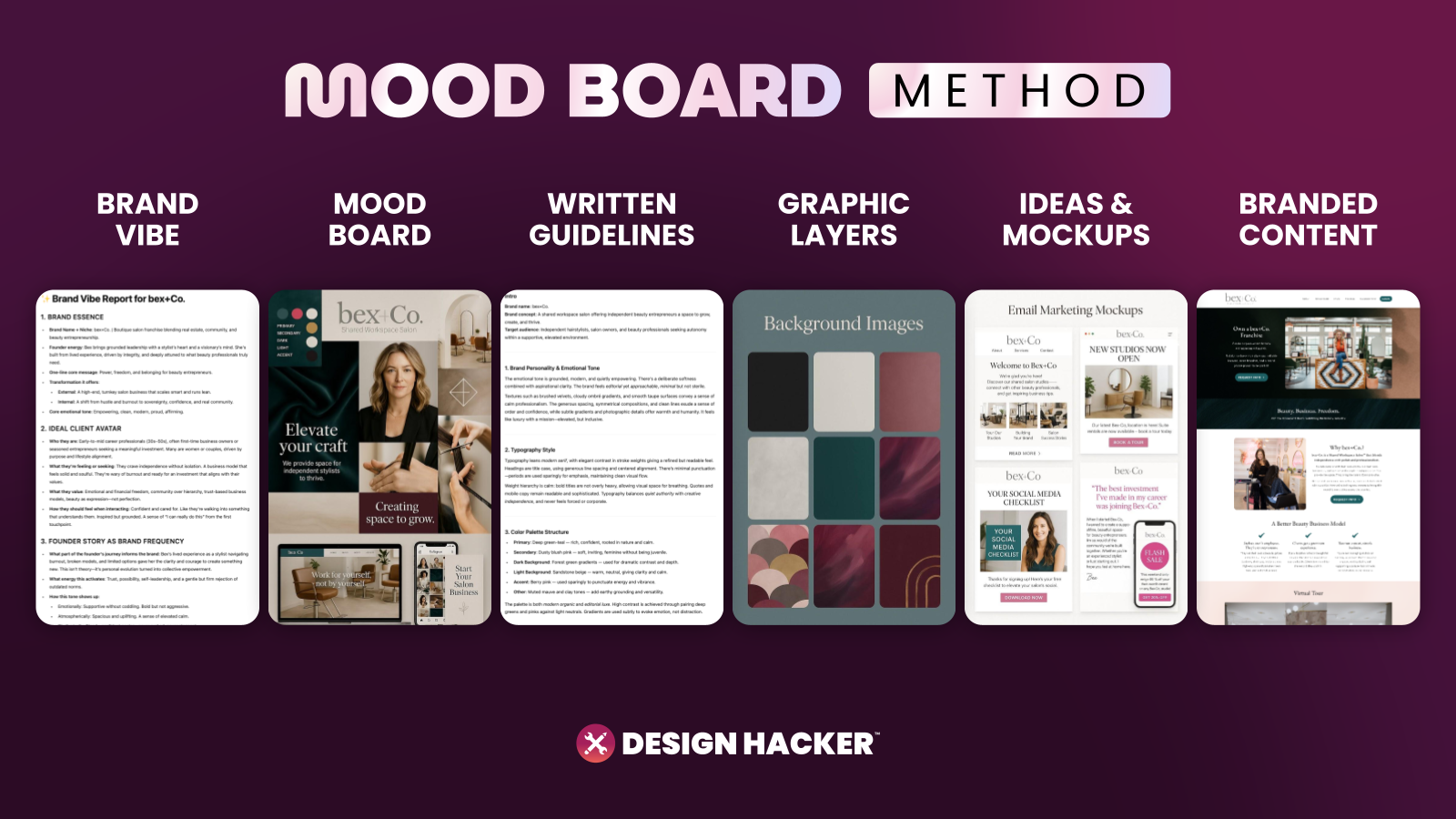
Accessible: Uses tools like ChatGPT & Gemini (essentially free or low cost).
Rapid Speed: Go from idea to full identity in about 45 minutes.
Contextual: You see your brand on sales funnels and decks immediately.
Flexible: You can generate three different "vibes" and mix them to find your unique voice.
Step 1: Define Your Positioning Angles
The biggest mistake I see experts make is trying to force one specific look before exploring the options.
You might think you need a "Corporate Blue" look because you sell to the C-Suite, but maybe a "Sophisticated Minimalist" vibe would actually stand out more in the boardroom.
We start by asking the AI to act as our brand strategist. We want it to take your consulting topic (whether you are an executive coach, a crypto advisor, or an indie band manager) and propose three distinct angles.
Here is what you need to define:
The Business Name
The Vision: What are you trying to achieve?
Target Audience: Who are you serving?
The Solution: How do you help them?
Preferences: What vibes do you like? What do you hate? (e.g., "I want premium and energetic, no dark colors.")
Once you have this rough summary, you are ready for the AI.
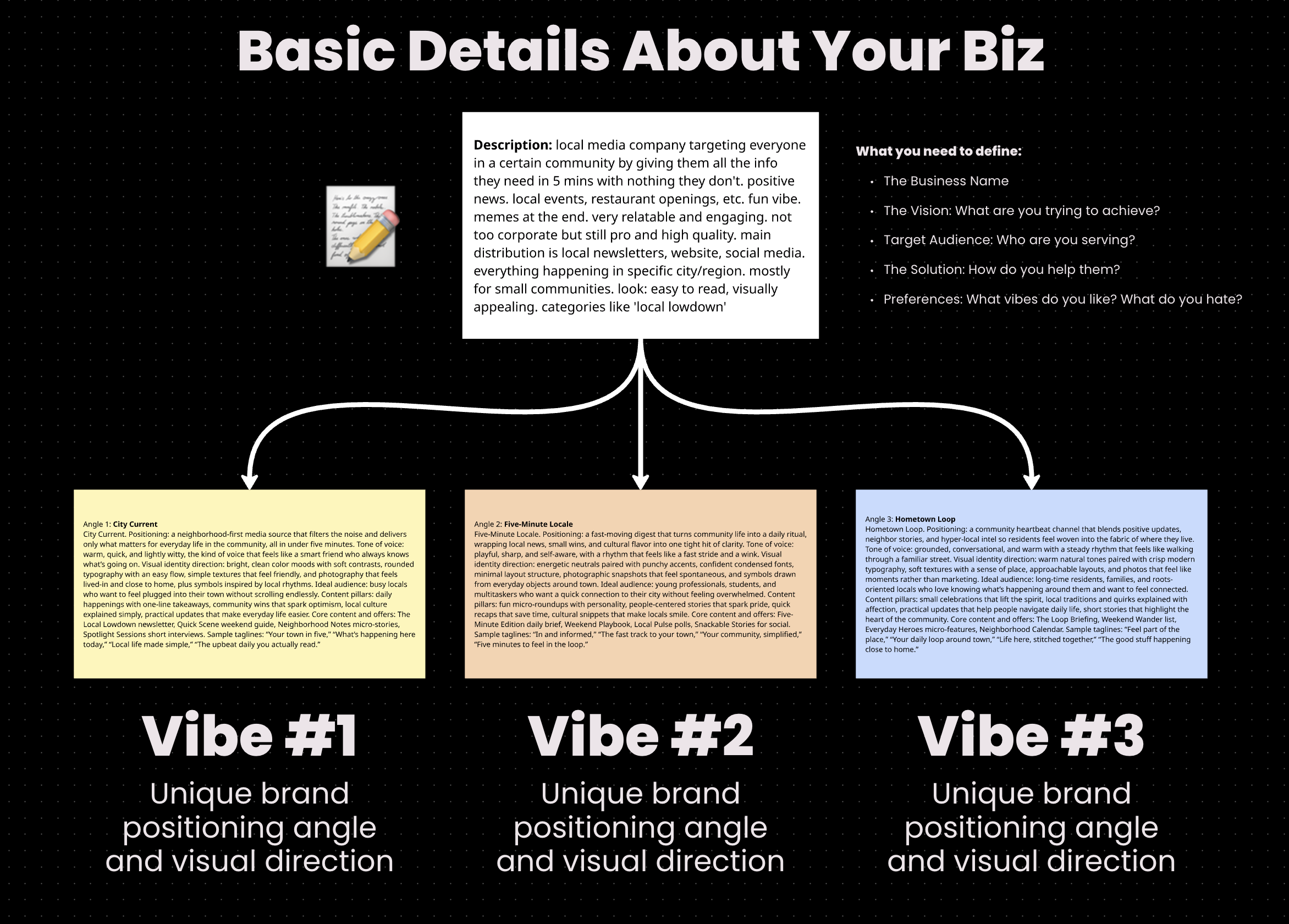
This helps you clarify your positioning. Having a business is one thing... presenting it so it resonates is another.
> Try This Prompt (Strategy):
"I am a [Insert Your Role, e.g., Executive Leadership Coach] helping [Target Audience] achieve [Result].
Please analyze this and generate 3 distinct brand 'angles' or 'vibes'. For each angle, provide a name, a positioning statement, a description of the visual style (colors, textures), and the tone of voice. Make them distinct from one another (e.g., Corporate vs. Artistic vs. Luxury)."
⚡️ For better results, get my full library of Mood Board Prompts.
Step 2: Generate The Visual Mood Board
Once you have your angles, you need to see them.
This is where Gemini shines because it can handle complex multi-modal tasks. It reads your strategy and creates images in the same chat.
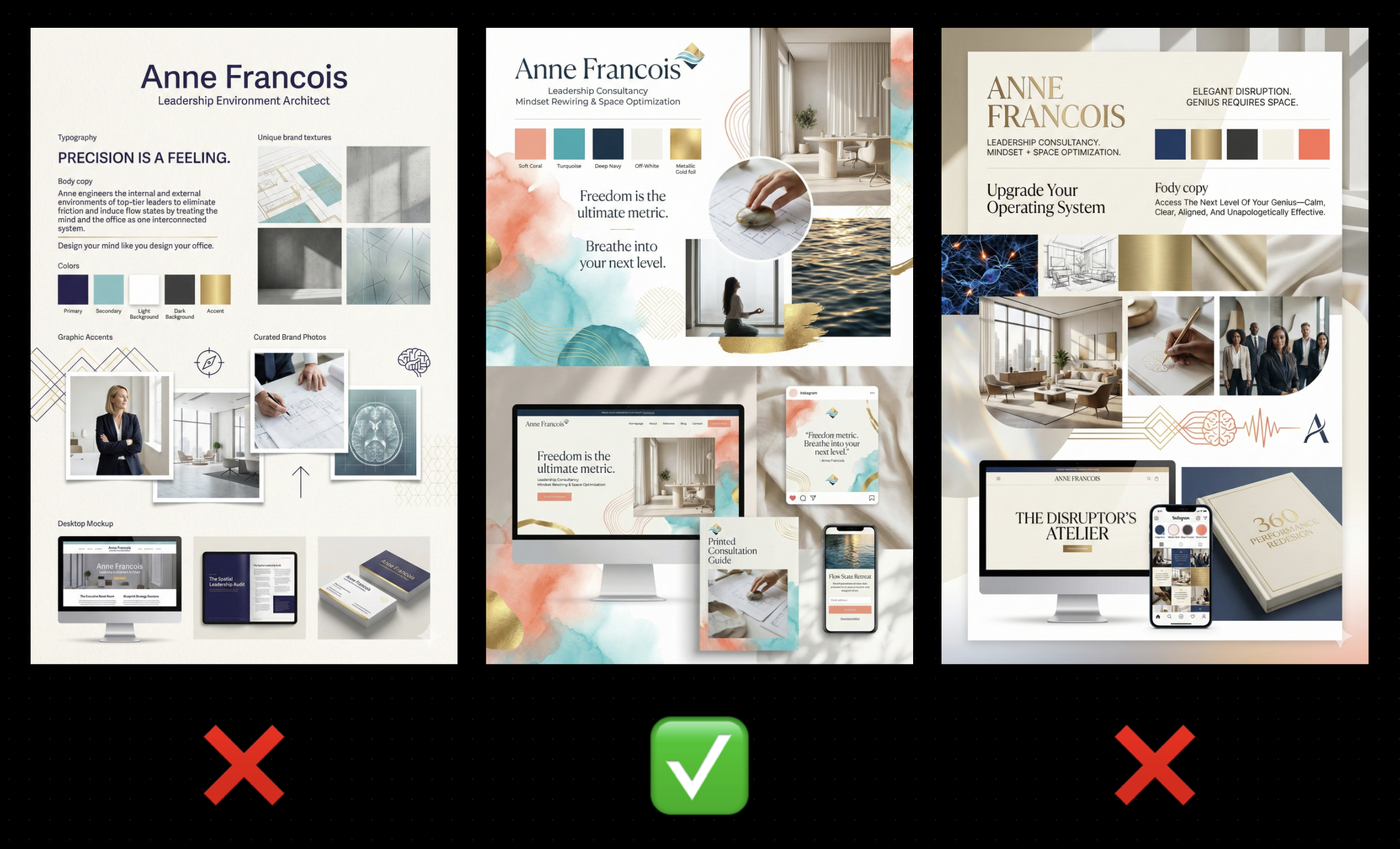
We are not looking for the perfect design yet. We are creating a Mood Board.
> Definition: Mood Board
A strategic collage that combines textures, color palettes, typography styles, and imagery. For consultants, this is your visual "North Star." It ensures that your slide decks, social content, and website all feel like they come from the same person.
Generate images for each of the three angles. You might be happily surprised by what the AI generates.
⚡️ For better results, get my full library of Mood Board Prompts.
Step 3: Mock Up High-Ticket Sales Assets
A logo is useless if it doesn't look good on a proposal.
As a consultant, your bread and butter is likely your Sales Deck or your Sales Funnel. Before you commit to a brand style you need to see if it works in those environments.
I recommend asking the AI to take the mood board style you liked best and apply it to a mockup. Ask to see a "Pitch Deck Cover Slide" or a "Consulting Sales Page."
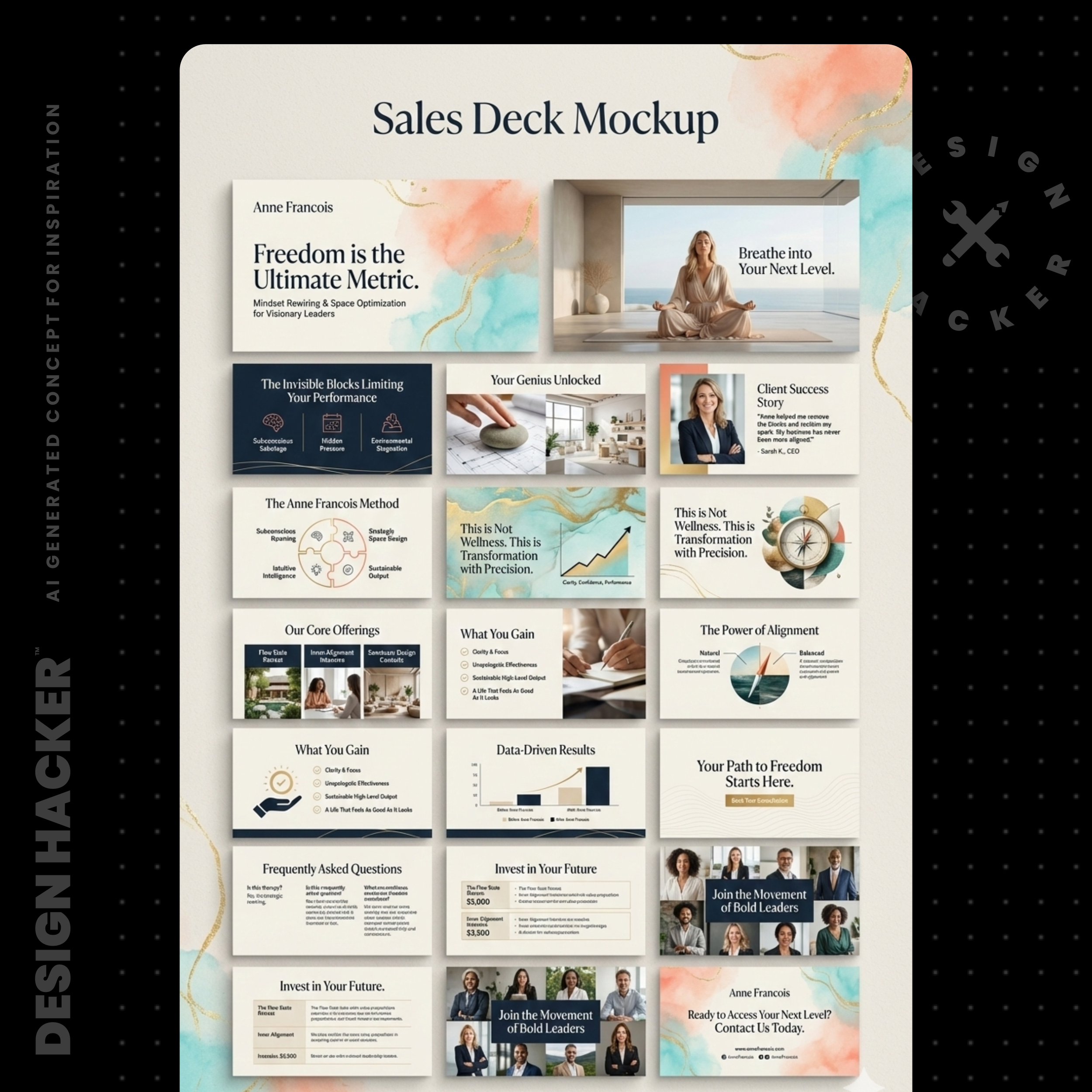

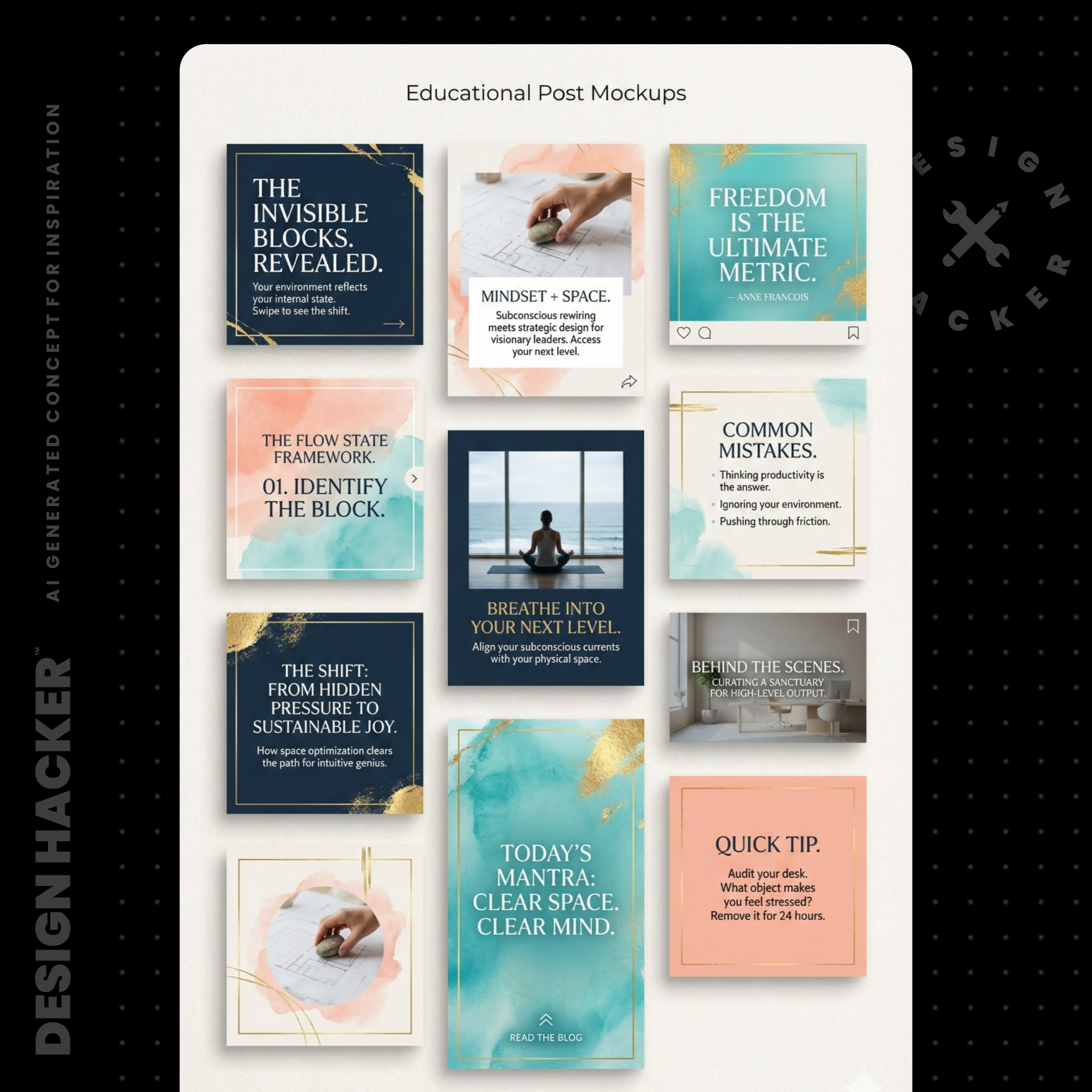
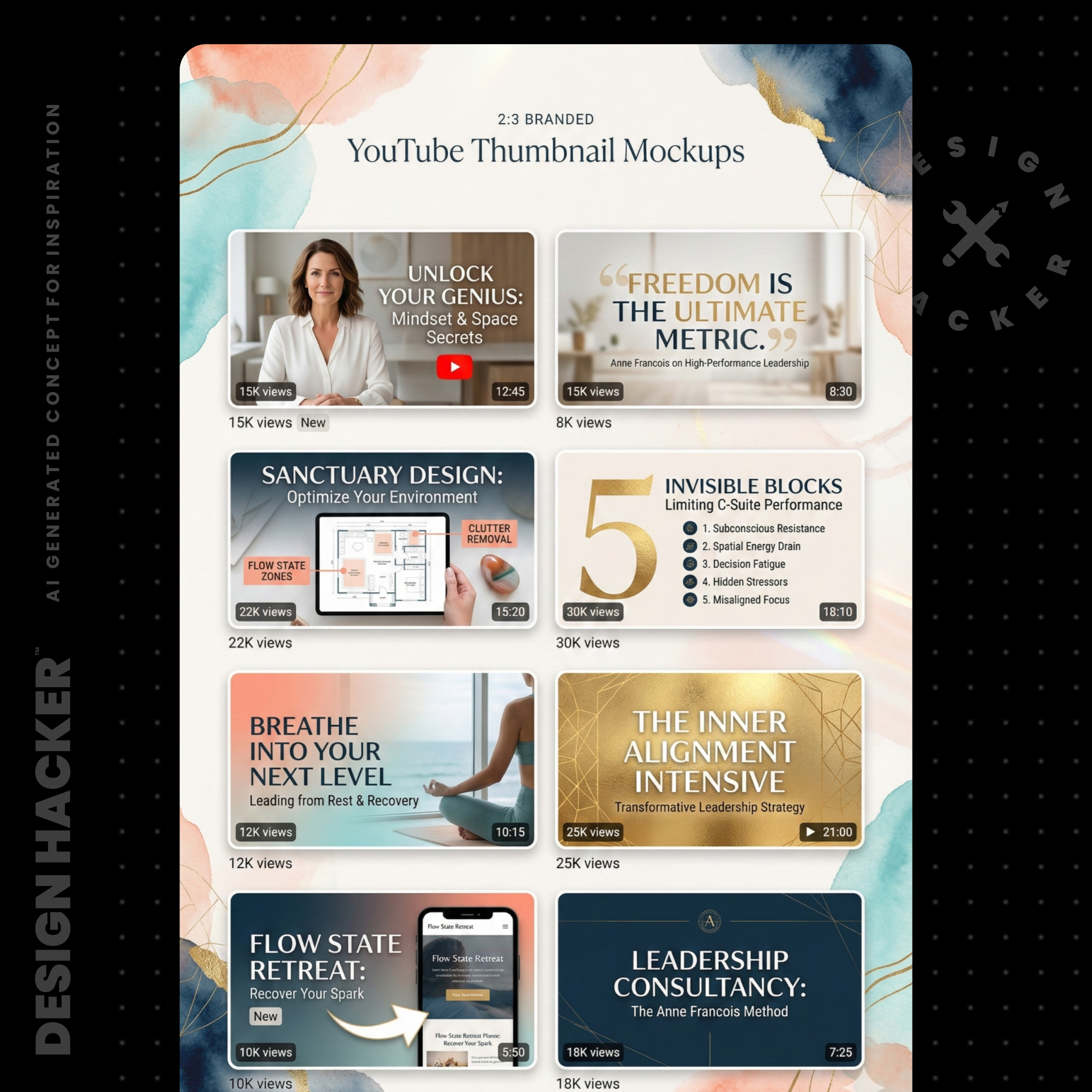
This is incredibly high-value because it helps you visualize the end product.
You might realize that a dark-mode aesthetic looks cool on a mood board but feels too aggressive for a sales page. Seeing the mockup allows you to course-correct instantly.
> Try This Prompt (Mockup):
"Using the visual style from the attached mood board (upload the mood board image), create a high-fidelity image mockup of a Sales Deck presentation. I want to see a title slide that includes a bold headline, a place for a headshot, and the brand colors. It should look like a premium consulting pitch."
⚡️ For better results, get my full library of Mood Board Prompts.
Step 4: Create Authority Assets (Logos & Photos)
Now that we have a direction we need the actual files to build your business.
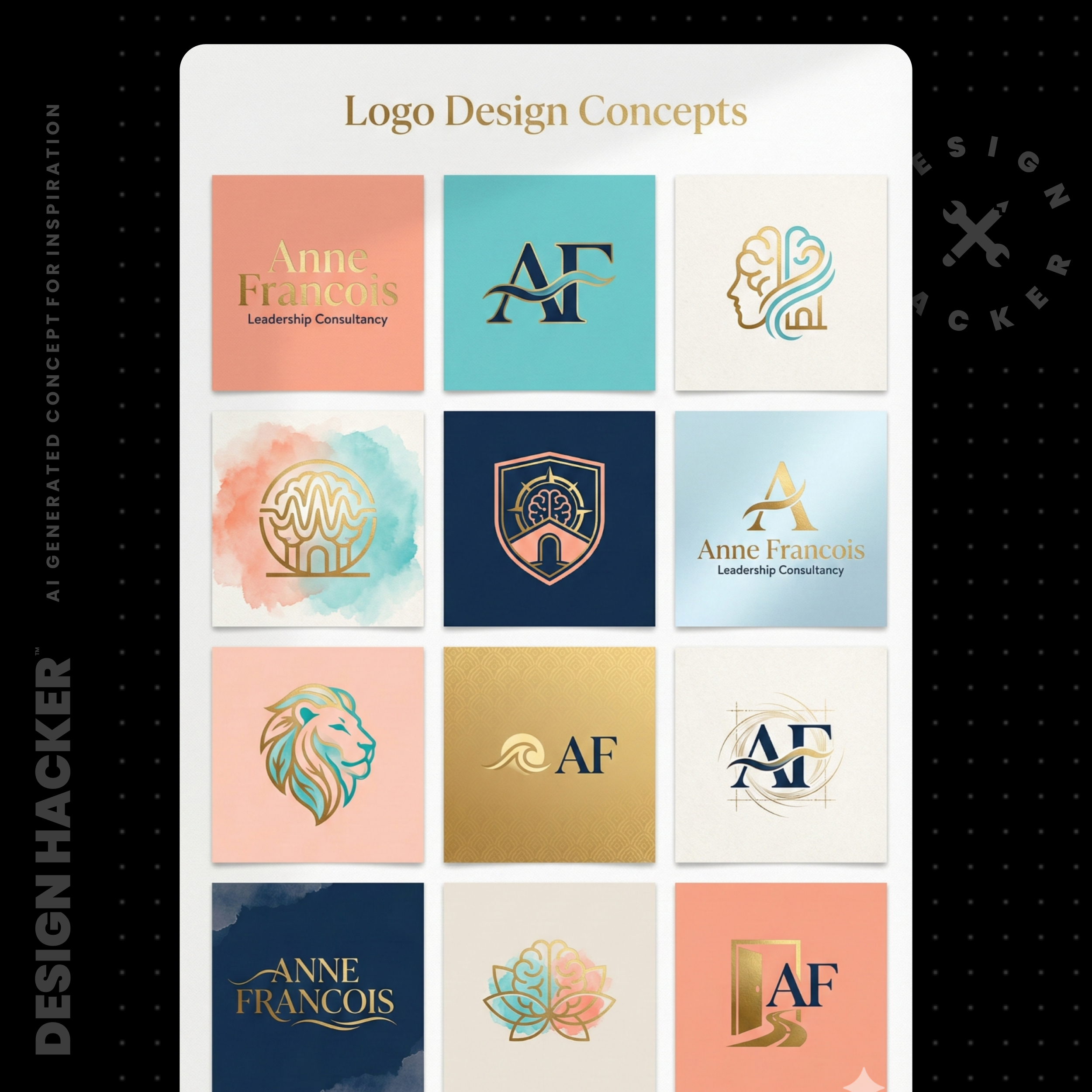
1. The Vector Logo Workflow
AI models generate images in pixels (raster) which can get blurry. For your consulting logo you need a vector.
Here is the workflow I use:
Ask Gemini for a simple, flat, black and white version of the logo concept you liked.
Take a screenshot of that clean version.
Use a background remover like Clipping Magic.
Run it through a vectorizer like Vectorizer.ai or Kittl.
Now you have an infinitely scalable logo you can put on banners, business cards, or billboards.
2. The Founder Photoshoot
Photography is often the most expensive part of a personal brand. You can use Style Transfer prompts to generate custom stock photos that match your brand's color palette.
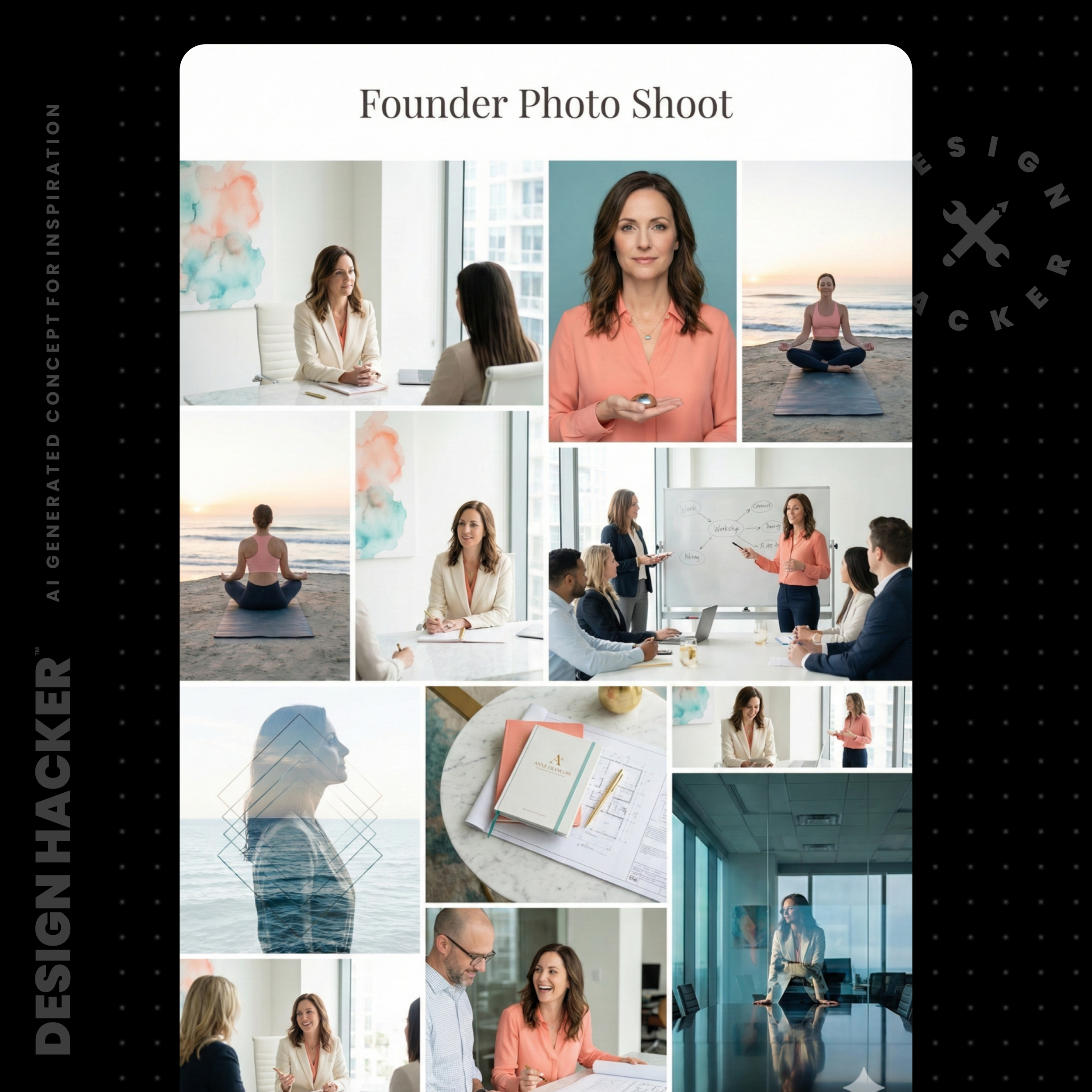
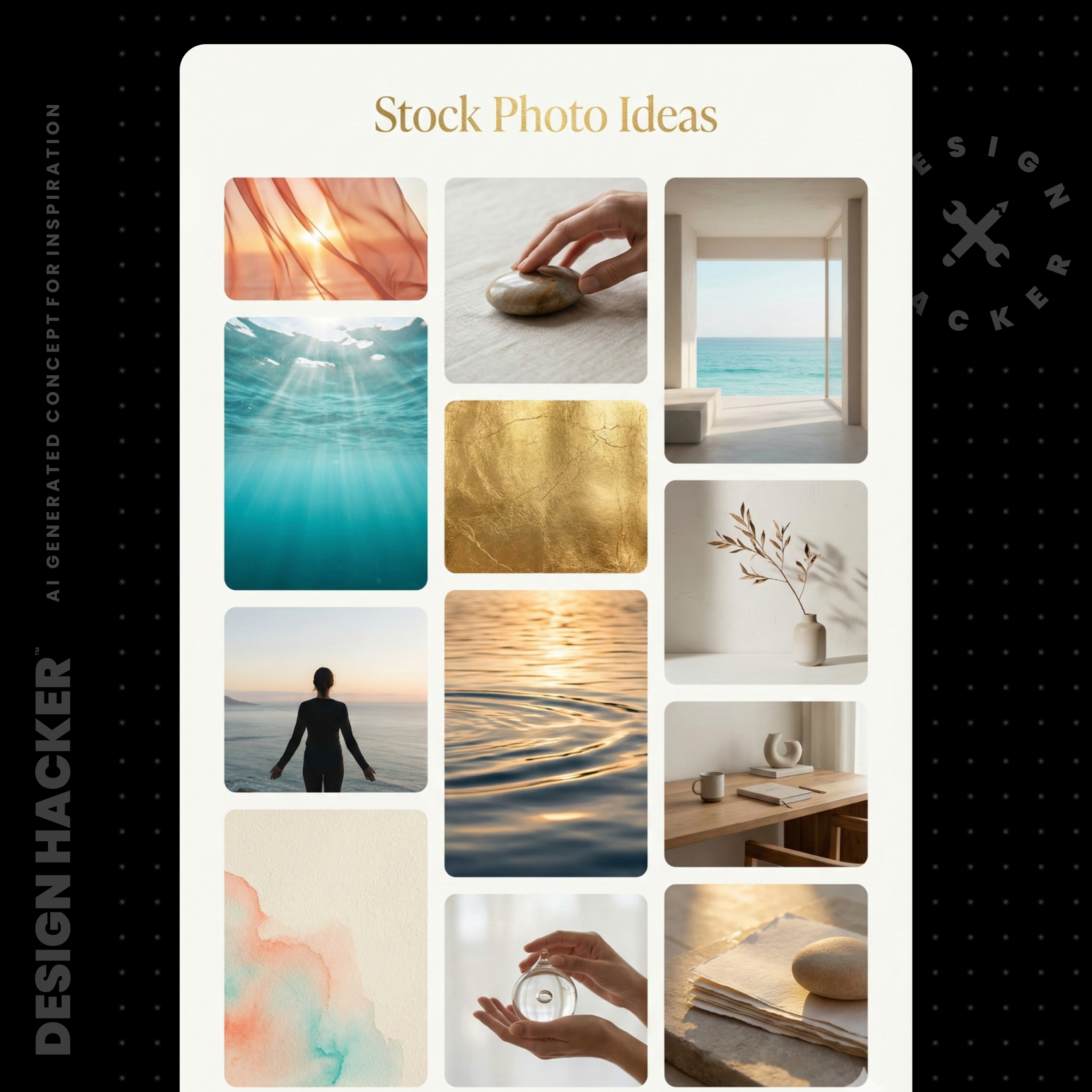
You can even take your existing headshots and use style references to make them look like they were taken in a studio that matches your new brand identity.
This gives you a consistent library of "Founder Photos" without booking a studio day.
Watch Out For This: The "Perfection Trap"
There is a temptation to keep generating unlimited options because the AI makes it so easy.
The Trap: You spend three weeks generating 500 mood boards and never actually build the landing page.
The Fix: Remember the goal is monetization. You need a "Version 1" brand to get into the market. We built a brand in 45 minutes during the demo to prove that speed is possible.
Pick the direction that feels 80% right, build the assets, and launch. You can always refine the shade of blue later but you cannot get back the time you spent not selling your offer.
Frequently Asked Questions
1. Can I use these visuals for my client work?
Yes. If you are an agency or a consultant who helps other businesses this is a massive value-add. You can use this exact workflow to show your clients visual concepts during a discovery call. It blows them away to see their idea brought to life so quickly.
2. How do I get high-resolution backgrounds for my slide decks?
Once the AI generates a mockup you like (e.g., a cool abstract texture in the background of a slide), ask it to "Recreate just the background image from that mockup as a high-resolution 4K texture." You can then save that image and drop it into Google Slides or PowerPoint as your master background.

⚡️ For better results, get my full library of Mood Board Prompts.
3. Is this better than Canva?
It's different. Canva is a layout tool while Gemini is an creation tool. I use this workflow to generate the raw materials... the textures, the specific photos, the logo concepts... and then I might bring them into a tool like Google Slides or Canva to assemble the final document. This gives you unique assets that nobody else on Canva has.
Conclusion: Monetization Over Meditation
We didn't spend 45 minutes making pretty pictures... we built a foundation that solves the three core pillars of your consulting business: Marketing, Messaging, and Monetization.
If you have a great service but your sales funnel looks amateur you lose trust. If you have great ads but no place to send the traffic you lose money. By using this Mood Board Method you remove the friction that stops most experts from launching.
You have the vision. Now you have the visuals. The next step is to put them together and start making offers.
🔥 RECOMMENDED TRAINING:
Turn ANY Idea Into a World-Class Brand Identity In MINUTES With AI
This 3-step system uses AI to build a complete brand foundation for ANY business in just a few clicks.

Hey, I'm Andrew Lane
Founder of Design Hacker
I’ve built multiple 7-figure brands from scratch over the past 15 years. Now I’m using AI to make that process faster, smarter, and way more fun. If you want your brand to feel premium without wasting months or thousands of dollars, then this is for you!