- Nov 4, 2024
ChatGPT Search — Get 10x Better AI Answers With This NEW Feature
Written by Andrew Lane
View All Articles | Get Free Resources
Watch on YouTube:
If you've ever felt frustrated with ChatGPT giving you made-up information or responses without real sources, I've got great news...
ChatGPT just released a game-changing search feature that transforms how reliable your AI responses can be. Let me show you a simple hack to make ChatGPT work harder and give you research-backed answers every time.
Why ChatGPT Search Changes Everything
Here's what usually happens - you ask ChatGPT a question, and it provides confident-sounding answers without any real data. But ChatGPT search fixes this by:
Accessing real-time information from the web
Providing links to verify every source
Pulling data from premium news providers
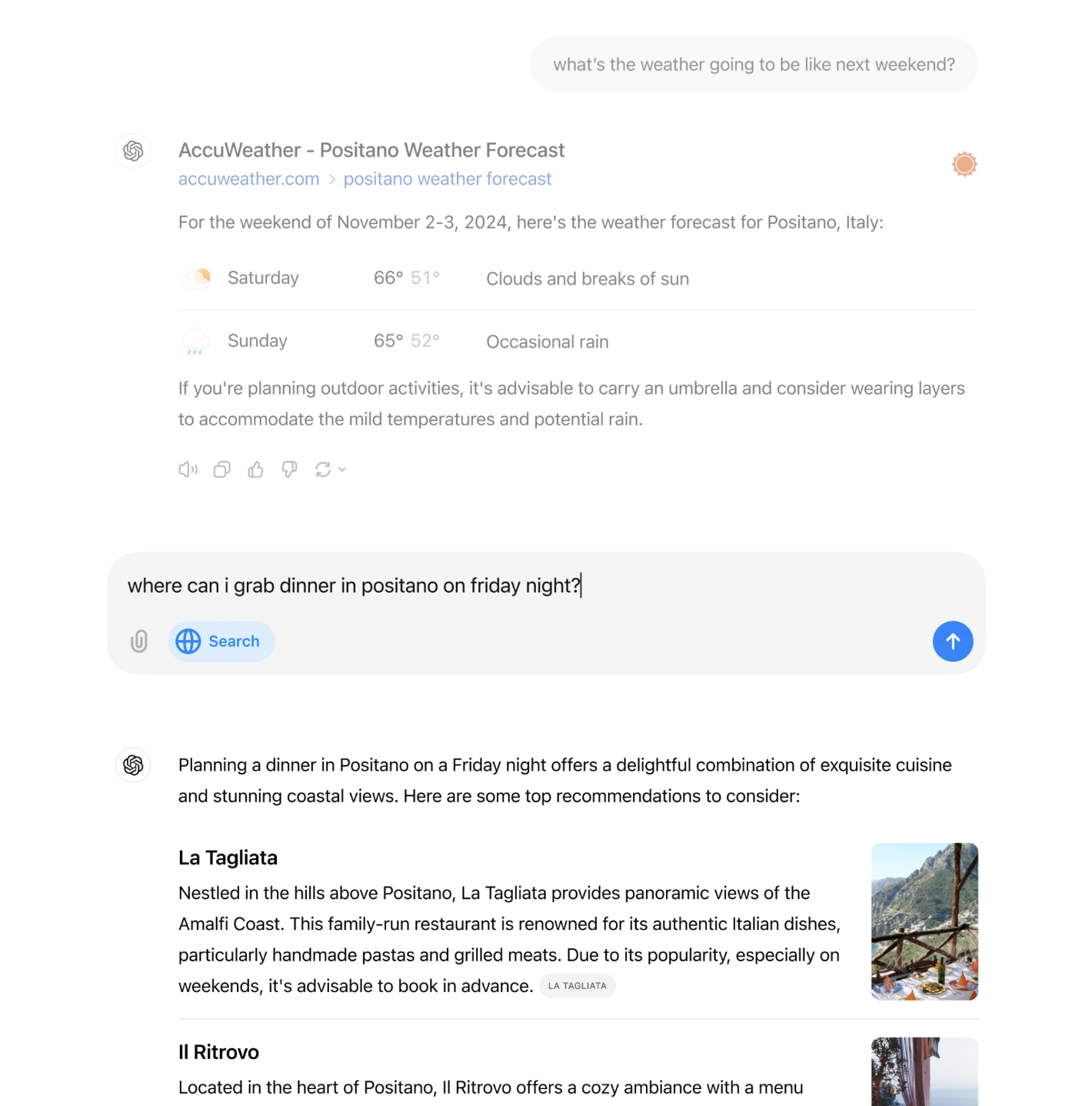
Showing specialized displays for weather, stocks, and sports
Maintaining context through follow-up questions
Important Note: ChatGPT search is currently available only for ChatGPT Plus and Team users. OpenAI plans to roll this feature out to free users over the coming months.
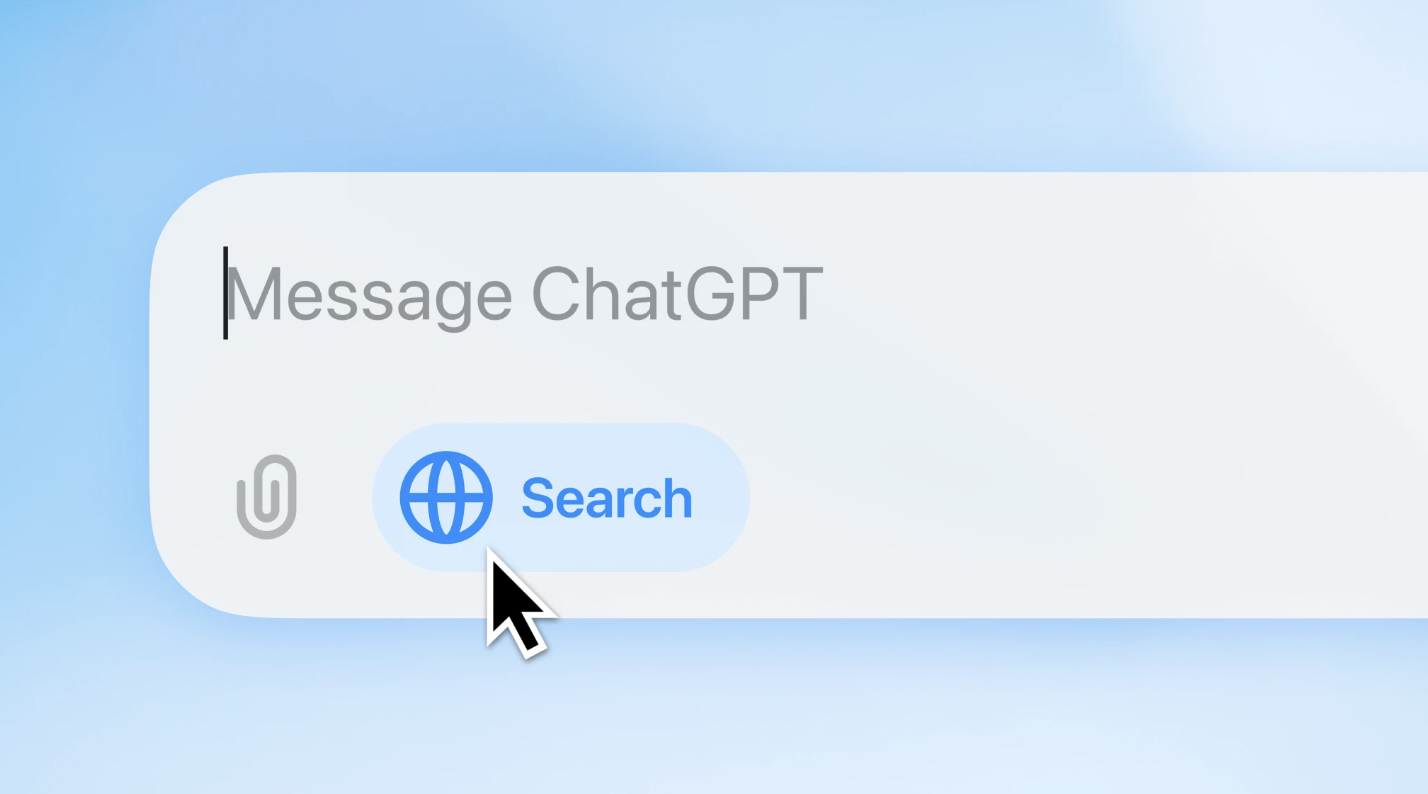
The Simple Way to Use ChatGPT Search
The feature is available now for Plus and Team users (coming soon to free users). Here's how to use it:
Look for the globe icon or let ChatGPT automatically search based on your question
Ask your question normally
Click the "Sources" button below responses to verify information
Use follow-up questions to dig deeper
ChatGPT search will automatically decide when to pull in web data based on what you ask.
Real-World Example: How It Works in Practice
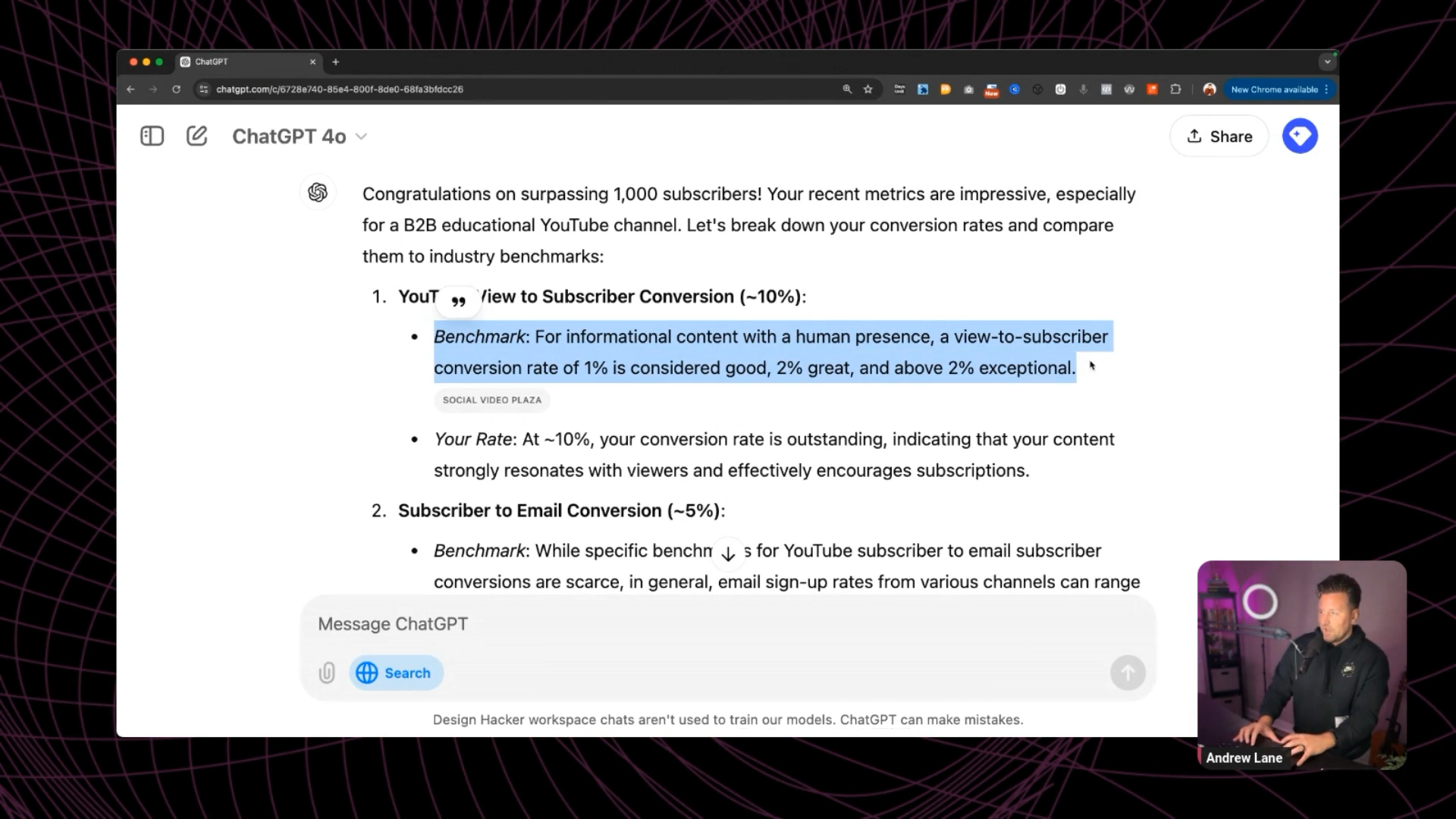
Let me show you how this works with a real example. Recently, I wanted to analyze some YouTube channel metrics and understand if my performance was above average. Instead of just accepting ChatGPT's initial response about typical performance metrics, I asked it to verify the information.
The result? ChatGPT search pulled data from reliable sources and provided much more specific, accurate insights about YouTube channel performance. Instead of generic statements, I got actual benchmarks backed by real data.
Transform Your Content Creation Process
This feature is especially powerful for content creators. Here's how to use it:
Give ChatGPT your content topic
Ask it to find relevant stats, facts, or research
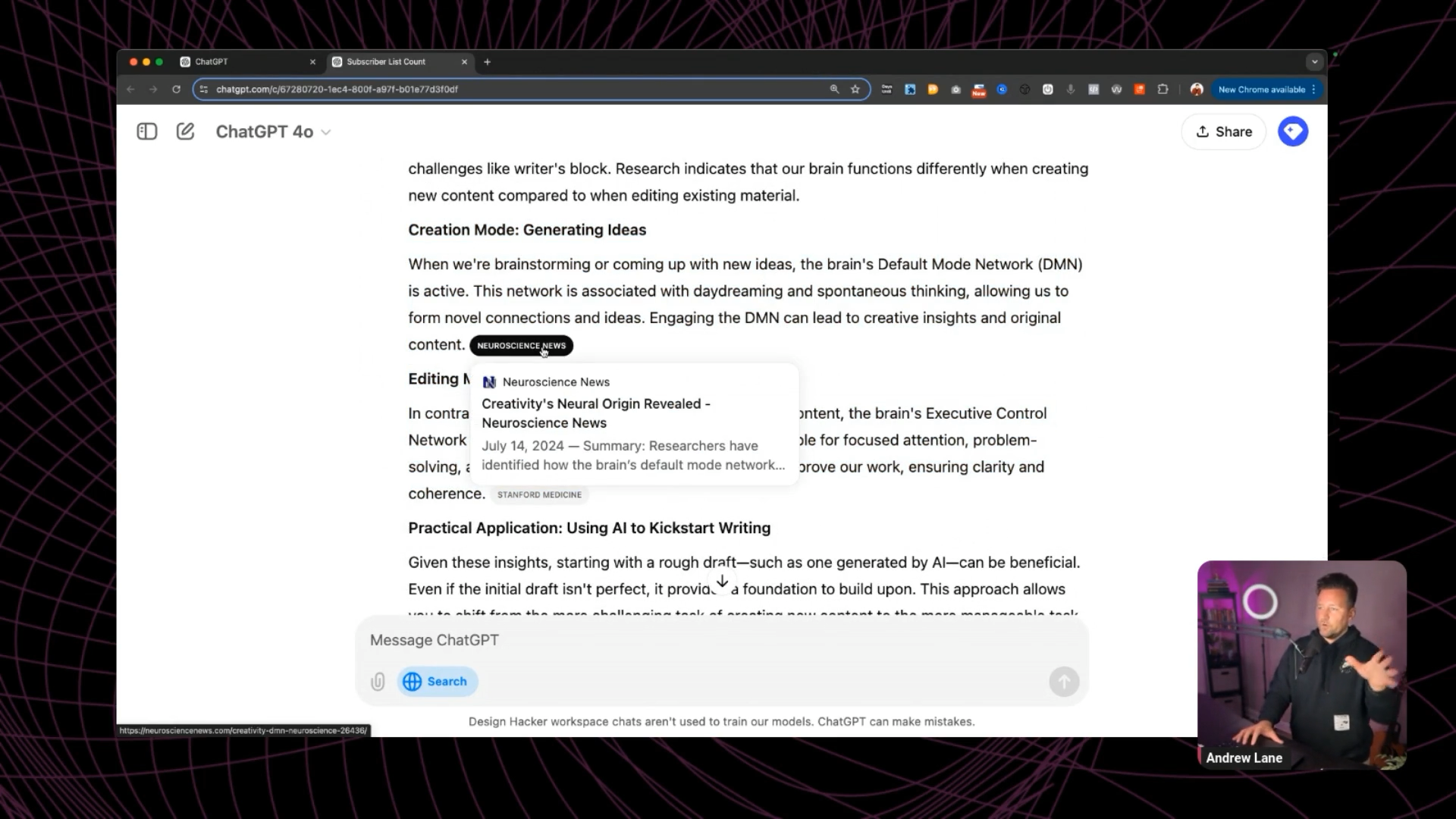
Check the Sources button for citations
Ask it to enhance your content with the verified information
What makes this approach powerful is that you're not just getting AI-generated content - you're getting content backed by real research that you can verify instantly.
Pro Tips for Maximum Accuracy
To get the most reliable results with ChatGPT search:
→ Always check the Sources button
→ Look for citations from trusted news organizations
→ Request multiple sources for important claims
→ Ask for the most recent available data
→ Have it explain any conflicting information it finds
Beyond Content: Other Practical Applications
ChatGPT search isn't just for content creation. Use it for:
Real-time weather updates
Current stock quotes
Latest sports scores
Breaking news research
Product comparisons
Market analysis
Travel planning
Each time, you get verified information instead of AI-generated guesses.
The Future of AI Research
ChatGPT search marks a significant shift in how we use AI for research. Instead of choosing between AI's speed and traditional research's accuracy, we now get both. Plus, OpenAI plans to keep improving the feature, especially for shopping and travel research.
Key Takeaways to Remember
To transform your ChatGPT results:
Enable ChatGPT search for research tasks
Look for the Sources button on every response
Use follow-up questions to explore topics deeper
Verify important information across multiple sources
Take advantage of real-time data features
Remember: The goal isn't just to get faster answers - it's to get answers you can trust and verify on the spot.
🔥 RECOMMENDED TRAINING:
Turn ANY Idea Into a World-Class Brand Identity In MINUTES Using ChatGPT
This 3-step system uses ChatGPT to build a complete brand foundation for ANY business in just a few clicks.

Hey, I'm Andrew Lane
Founder of Design Hacker
I’ve built multiple 7-figure brands from scratch over the past 15 years. Now I’m using AI to make that process faster, smarter, and way more fun. If you want your brand to feel premium without wasting months or thousands of dollars, then this is for you!

FREE
100+ Content Formulas
PDF + Video Training
Stop guessing what works. These formulas help you create engaging posts that grow your brand faster.
FREE
10 Time-Saving AI Tips
Digital Guide + Video Training
Learn how we leverage AI in our agency for content creation, market research, and more!